
How to Collect RSVPs Easily with Digital Invitations

RSVPs should go smoothly, but anyone who's ever organized a party, wedding, office event, or family gathering knows the reality: follow-up after follow-up, messages unreturned, replies forgotten, and guest counts never confirmed. This gets even worse with traditional paper invitations, as people have to take the time to physically respond, remember to text you later, or mail something back.
Digital invitations changed all that.
Online invitations also let you send out gorgeous invites instantly and collect RSVPs with ease, track responses in real time, send reminders, and manage guest lists sans stress.
This comprehensive guide will walk you through exactly how to easily collect RSVPs with digital invitations, how RSVP automation works, what features different systems offer, and how to choose the right system for your event.
This article targets the readers of Sendwishonline.com, a website offering beautiful free invitations with built-in RSVP tools.
Why Digital Invitations Make RSVP Collection So Much Easier
Before getting into the "how," here is what makes online invitations the smarter choice:
1. Instant Response Collection
In real-time, guests receive their invitation and RSVP without posting delays or messages missed.
2. Automatic Tracking
You see who opened the invite, who replied, and who didn't. No spreadsheet juggling.
3. Reminders Included
Most digital invitations will let you automatically nudge guests who haven't responded.
4. Accessible on Any Device
Your guests RSVP directly from their phone, laptop, or tablet-without downloading a thing.
5. Ecologically clean
Paper invitations look so beautiful, but digital invitations can save time, money, and resources.
6. Real-time updates
Guests can update their RSVP at any time, ideal for those events where plans change.
How to Collect RSVPs Easily with Digital Invitations: A Step-by-Step Approach
Here is the step-by-step process to follow when planning a small birthday or large formal event.
Step 1: Digital Invitation Platform Selection
Not every site gives you the same functionality, so your choice of platform actually does matter. When choosing a tool, ensure it includes:
- RSVP tracking
- Guest list management
- Ability to send reminders
- Free invitation templates
- Event details that can be personalised
- No mandatory app download
- Link emailing or secure sharing
Some reliable RSVP options will be:
1. Sendwishonline.com
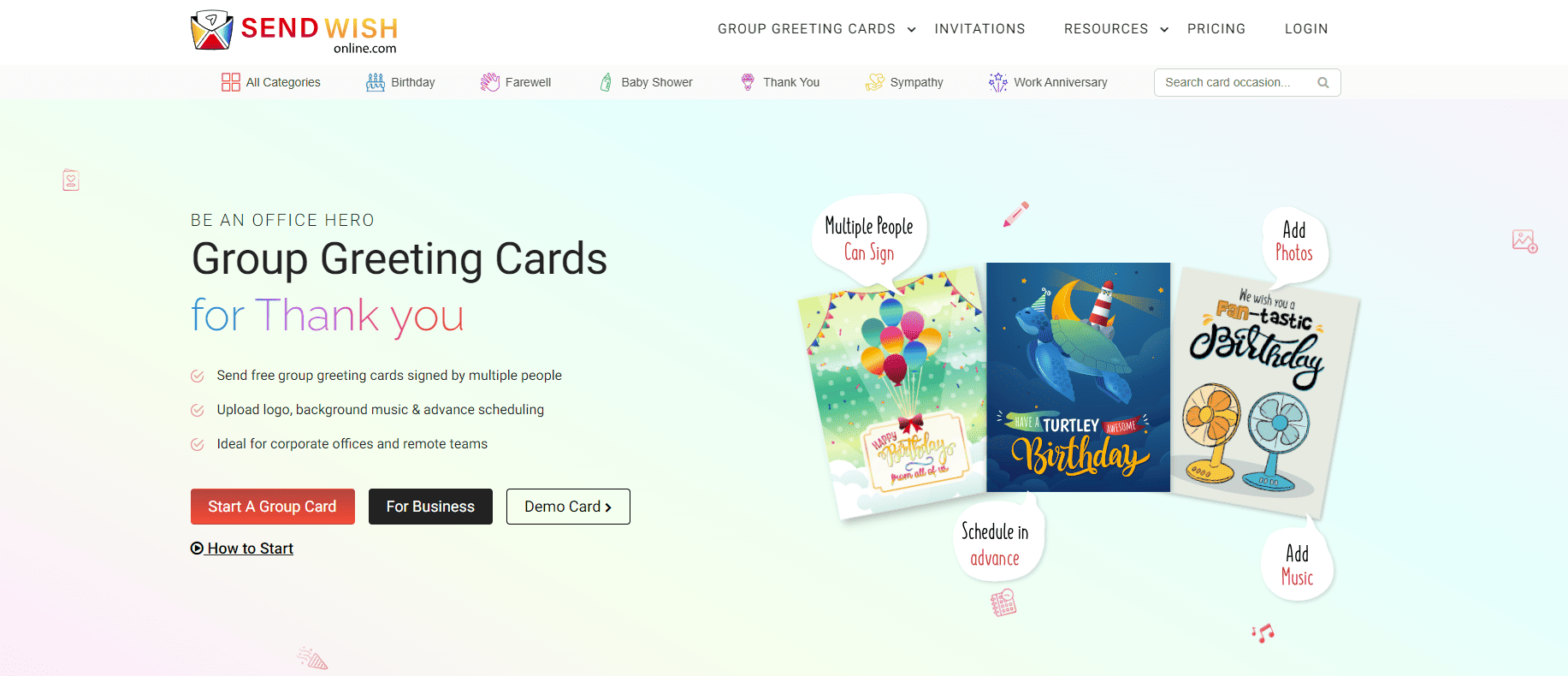
- Offers free invitations and eCards with RSVP options.
- Allows the personalization of the invitation design.
- Guests can RSVP instantly without logging.
- Provides real-time insight into guest answers.
- You can send out invitations by link, e-mail, and on social media.
2. Evite.com
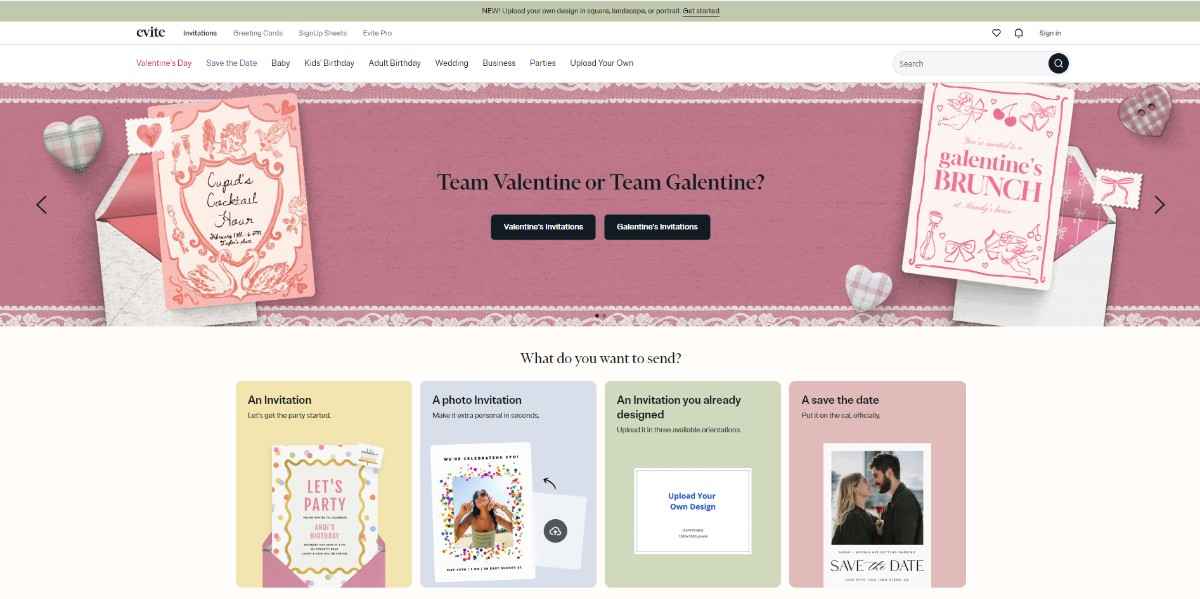
- Robust RSVP tracking features.
- Free and Premium Templates.
- Guests can comment and interact.
- Ads are displayed on free plans.
3. PaperlessPost.com

- Known for high-quality invitations.
- Offers RSVP tracking and messaging.
- Some templates are paid.
4. Canva (Canva.com)
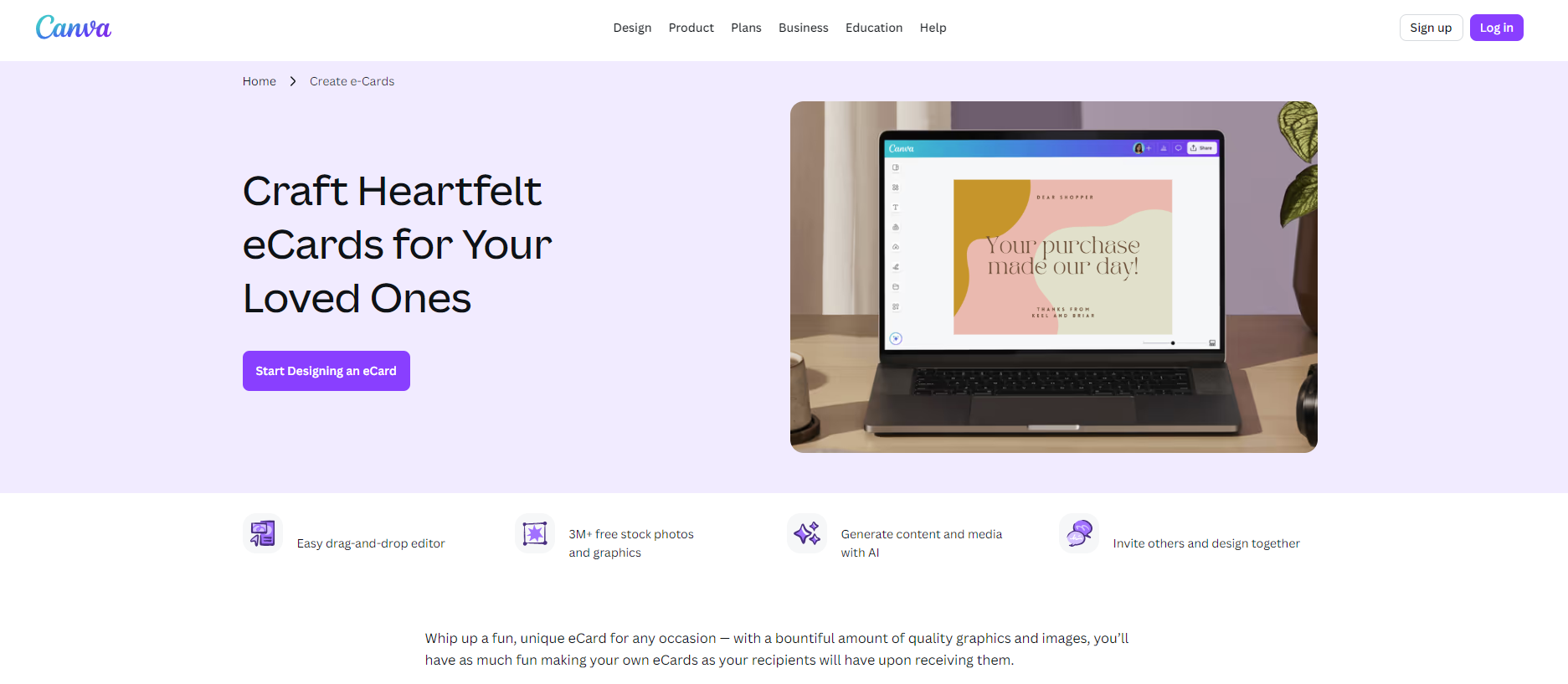
- Enables visual design of invitations.
- Sharing is manual-there is no inbuilt RSVP system unless you integrate a form via either Google Forms or Typeform.
- Best for custom design, not for automated RSVP collection.
5. Greenvelope.com

- Elegant, eco-friendly invitations.
- Full RSVP tracking capabilities.
- Packed with features, but not free.
- Opt for how much automation you want, how many guests you invite, and within what budget.
Step 2: Select Invitation Template
- When you select your platform, pick a template that fits the style of your event.
- Formal-Weddings, Engagements, Corporate Events
- Fun and playful: birthday and baby shower
- Minimal and modern for housewarming, brunch, graduation
- Holiday-themed: Christmas, New Year, Halloween
- Most of the platforms provide filtering for events by type, color, or theme.
Checklist for a Good RSVP-Friendly Invite
Make sure your invitation includes:
- Event name
- Host name
- Date and time
- Venue- physical or virtual
- Dress code, if required
- RSVP deadline
- Special instructions
Step 3: Add Your RSVP Questions
That's where digital invitations shine: You can tailor exactly what you want to know.
Common RSVP Questions:
- Will you attend? Yes/No/Maybe
- Number attending
- Meal preference
- Allergens or special diets
- Special Seating Requests
- Song requests for weddings or parties
- The RSVP fields can easily be tailored with applications like Sendwishonline.com, Evite, and Greenvelope.
- This would involve using Canva or basic design tools to link an external form, for example, from Google Forms or Microsoft Forms.
Step 4: Add Your Guest List
Depending on your platform, you can:
- Upload the list of contacts
- Add guests manually
- Copy-paste email addresses
- Share a public link (no email needed)
Tip:
If you are anticipating that guests might forward the invite to people, use a platform that controls RSVP access so you don't have an inflated count of guests.
Step 5: Deliver or Share Your Invitation
E-Invites allow you to share your invite in multiple ways:
- Email Send-Outs
- Evite and PaperlessPost specialize in email-based sending.
- Shareable Link
- Using sendwishonline.com, you will be able to share a link, perfect for WhatsApp groups, Instagram, SMS, or Facebook.
- Embedded in a Website or Event Page
- Great for corporate or public events.
- Make sure to test the link before sharing.
How RSVP tracking works in digital invitations.
The system will start gathering data automatically once your invitations are out.
This is usually what you get:
? Who has opened the invitation
? Who has RSVP’d their responses
? Number of guests attending
? Personalized responses to meals, allergies, etc.
? Comments or messages
Most platforms update this information in real time.
This list is available for download and provides information that can be utilized in venue planning, ordering food, creating seating charts, and for event logistics.
Smart features to make digital RSVPs even easier.
These tools for digital invitations carry added functionalities, making event planning much easier.
1. Automatic emails of reminders/notifications
Forget about manual follow-ups. Your platform can send reminders:
- One week before the RSVP deadline
- One day before the deadline
- Custom reminders any time
- This would significantly help improve your response rate.
2. RSVP Deadlines
Indicate a specific date for the guests to reply, which will subsequently enable you to plan without last-minute chaos.
3. Guest Messaging
Some tools will let you message guests one-to-one, or en masse:
- Event updates
- Venue changes
- Thank-you notes
- Rain updates - for outdoor events
- Evite, PaperlessPost, and Greenvelope do this.
- Comment and message options are provided within the invitation on Sendwishonline.com itself.
4. Allow Guests to Update Their RSVP
Plans change: With digital invitations, guests can update their response at any point in time.
5. Deter Uninvited Guests
Controlled access platforms block the possibility of users forwarding invitations to random contacts.
6. Add Maps and Directions
Most of the digital invitations do allow embedding of Google Maps, so the guest would know exactly where to go.
7. Integrate with Calendar
- Guests can add your event to:
- Google Calendar
- Apple Calendar
- Outlook
- This reduces no-shows.
Common Mistakes to Avoid When Collecting RSVPs
Even with technology, a few mistakes can delay responses. Here's how to avoid them:
1. No deadline for RSVPs
Guests assume it is always an appropriate answer, "whenever," which creates delays in planning.
2. RSVP form overloading
Ask only if necessary. A long form discourages responses.
3. Invitations sent too late
Send Invites:
- 6–8 weeks before weddings
- 2–4 weeks before birthdays and showers
- 1–2 weeks for small casual events
4. Forgetting to check the spam filters.
Ask guests to check their emails in spam/promotions, especially when mass email senders are used.
5. Not sending reminders
People forget. A friendly reminder raises your RSVP rate.
Tips to Get Faster RSVP Responses
If you need urgent or timely RSVPs, try this:
? Share your invite on WhatsApp—fastest response platform
? Add a clear RSVP button
? Specify a specific deadline in bold.
? Keep RSVP choices simple
? Use auto-reminders
? Follow up with late respondents individually
Best Events to Use Digital Invitations For
Digital invitations can be utilized for just about any form of gathering:
- Personal Events
- Weddings
- Engagements
- Birthdays
- Baby showers
- Anniversaries
- Holiday parties
- Graduations
- Professional Events
- Corporate meetings
- Product launches
- Employee events
- Office celebrations
- Webinars
- Conferences
- Community Events
- Workshops
- Family reunions
- School events
- Worship services
- Fundraisers
Wherever you need to collect RSVPs as soon as possible, digital invitations can be of great help.
Closing Remarks
There is no need to complicate collecting RSVPs.
By inviting digitally, you'll be able to:
- Send beautifully designed free invitations
- Track RSVPs in real-time.
- Manage guests like a pro.
- Reduce stress and save time
Smooth the process of event planning and make it enjoyable.
Websites like sendwishonline.com have made the entire process hassle-free: free invitation templates, easy sharing, and automatic RSVP tracking. Switching to online invitations makes for one of the smartest decisions in assuring ease in collecting RSVPs for your next event.