
8 Best Digital Wedding Invitation Websites in 2026
Choosing a digital wedding invitation website is no longer just about finding a pretty template. The platform you choose can also determine how guests receive the invitation, whether they can RSVP without extra steps, how easily you can manage plus-ones and meal choices, whether reminders are available, and how well the invitation fits with the rest of your wedding planning.
That is also why there is no honest single “best” wedding invitation website for every couple. Someone planning a 40-person wedding and sharing invitations mainly through WhatsApp may value a simple shareable link and straightforward RSVP tracking. A couple coordinating several wedding-weekend events may need a deeper guest-management system. Someone else may care more about designer-quality stationery, matching printed invitations, or complete control over the visual design.
This guide compares eight digital wedding invitation platforms according to what they actually do best. We looked at publicly documented invitation features, RSVP tools, guest management, delivery methods, customization, print options and current pricing information where the platform publishes it.
Editorial disclosure: Sendwishonline publishes this guide and is one of the platforms included below. Rather than automatically ranking our own product as the best for every couple, each service is assessed for the use case it handles particularly well. Features and prices were checked in August 2026 and may change.
1. Sendwishonline — Best for Simple Free Wedding Invitations With RSVP
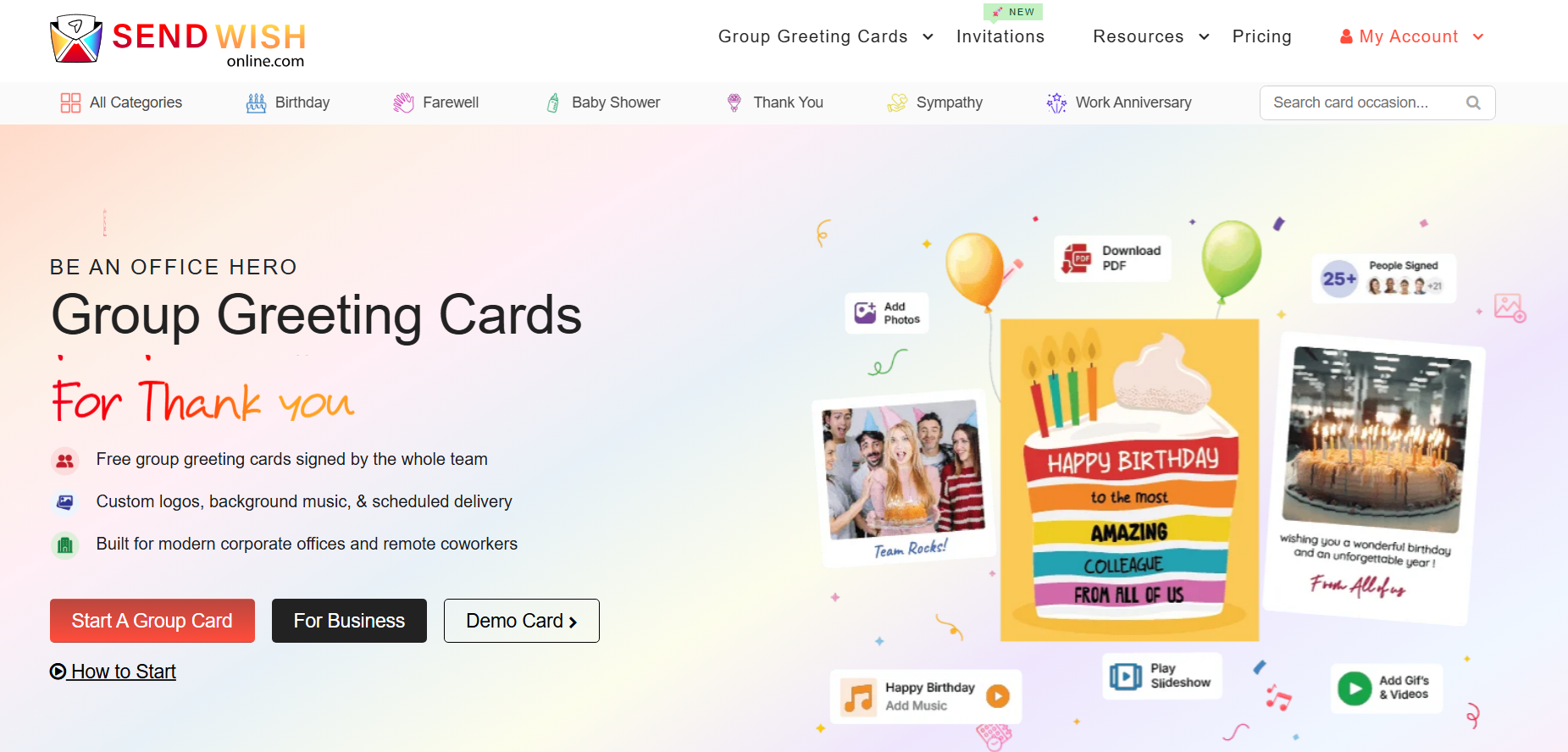
Best for: Couples who want to create a digital wedding invitation, add the important event details, collect RSVPs and share one link without building an elaborate wedding-planning system.
Sendwishonline's digital wedding invitations are designed around a fairly direct workflow: choose a wedding template, customize it, add event information, choose RSVP preferences and publish the invitation for sharing.
That simplicity is useful when most guests will receive the invitation through WhatsApp, email or another messaging channel. Instead of requiring every guest to navigate a larger wedding website first, the host can send a single invitation link containing the information needed for the event.
The invitation can include more than the ceremony date and venue. Sendwishonline currently supports optional event information such as schedules, gift registries and photo galleries, which is useful when you want the invitation itself to carry additional wedding details without creating several separate pages.
The RSVP component is also important. A visually attractive digital card without a response system still leaves the couple collecting “yes,” “no” and “maybe” messages manually. With RSVP preferences set before publishing, the invitation becomes part of the guest-management process rather than simply an image people receive.
Where Sendwishonline works particularly well
It makes sense for couples who:
- want to create and share a digital wedding invitation without paying for basic use,
- expect to distribute the invitation mainly through links or messaging apps,
- want RSVP responses connected to the invitation,
- need a quick way to add event details, schedules or a registry,
- or do not need an extensive full-service wedding-planning platform.
Couples sending invitations through WhatsApp may particularly appreciate the link-based approach because it avoids sending a static JPG followed by separate venue, registry and RSVP messages.
If RSVP management is the part you are most concerned about, our guide to collecting RSVPs with digital invitations explains what information to collect and how to make the response process easier for guests.
What to know before choosing it
Sendwishonline is primarily a digital invitation platform rather than a premium printed-stationery service. Couples who want letterpress invitations mailed to guests or an extensive wedding website with planning tools may prefer one of the more specialized options below.
Verdict: A strong fit when you want the wedding invitation, important event information and RSVP process together without turning invitation setup into another large wedding-planning project.
2. Paperless Post: Sophisticated, Designer Invitations
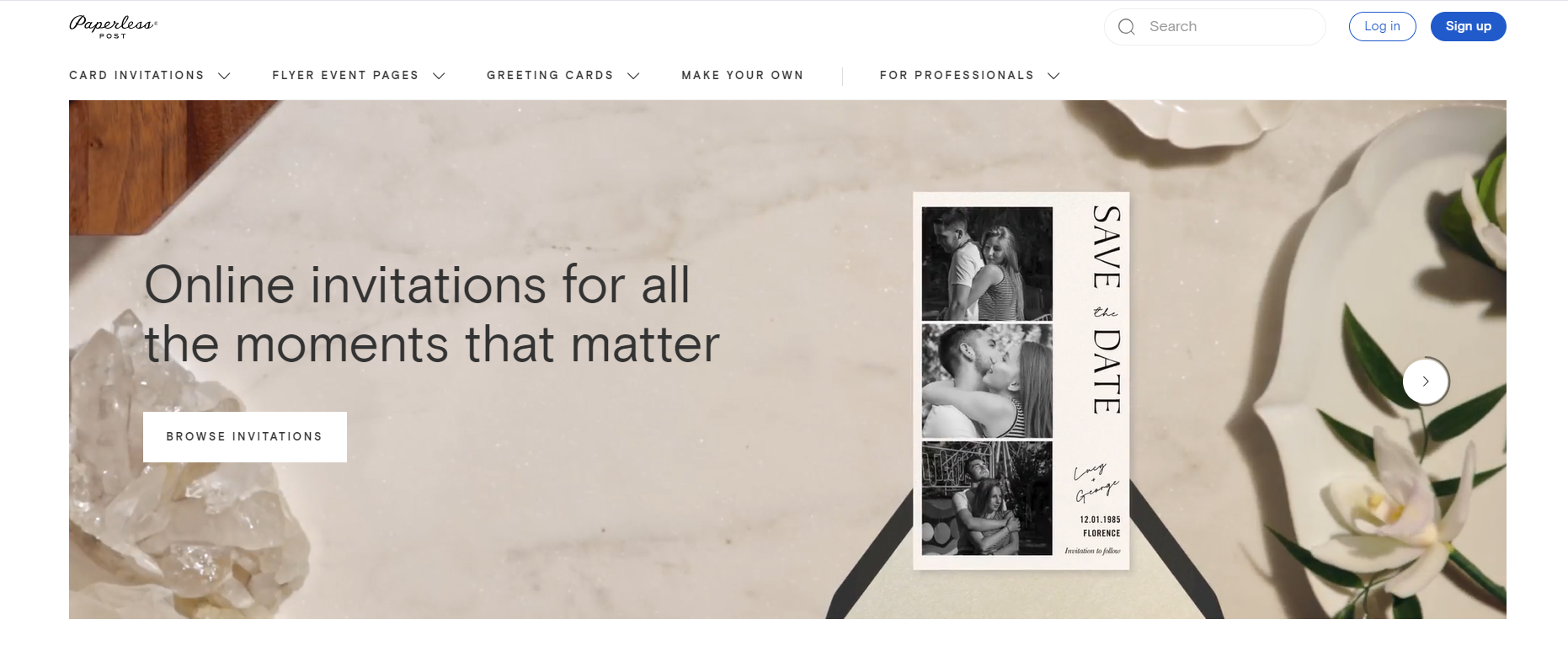
Best for: Couples who care deeply about how the invitation looks and want a digital experience that resembles premium stationery.
Paperless Post has long positioned digital invitations closer to traditional stationery than a basic event link. Its invitation experience can include envelopes, liners, stamps, backdrops and detailed page styling, giving the recipient more of the visual ceremony associated with opening a formal invitation.
That makes it appealing for weddings where digital convenience is important but the couple does not want the invitation to feel casual.
The platform is not only visual. RSVP tracking is included, and hosts can send through email, text or a shareable link. Depending on the selected package, couples can also add richer event content such as photo galleries, video, wedding-party information, travel details and accommodation information.
Guest communication is another strength. Broadcast messages and private messages can be used for updates rather than asking guests to watch multiple communication channels.
Paperless Post pricing in 2026
Paperless Post currently offers several levels rather than one fixed wedding price. As of August 2026, its published pay-per-event pricing lists:
- Free: $0 per guest
- Basic: from $0.50 per guest
- Premium: from $1.05 per guest
- All Access: from $1.44 per guest
Actual total cost depends on the guest count and features used.
This pricing structure is useful because couples can decide whether visual extras such as premium envelopes and richer content are worth paying for instead of being forced into one package.
Where Paperless Post works particularly well
Choose it if:
- invitation presentation is a major priority,
- you want a digital invitation that resembles formal stationery,
- you need RSVP tracking and guest communication,
- or you want detailed event information integrated into the invitation experience.
What to know before choosing it
Costs can increase with the guest list and the number of premium design elements you choose. Couples primarily looking for a completely free invitation may find simpler options more suitable.
Verdict: Particularly strong for couples who want digital efficiency without giving up the visual ritual of formal stationery.
3. With Joy – Free Digital Wedding Invitations with RSVP Tools
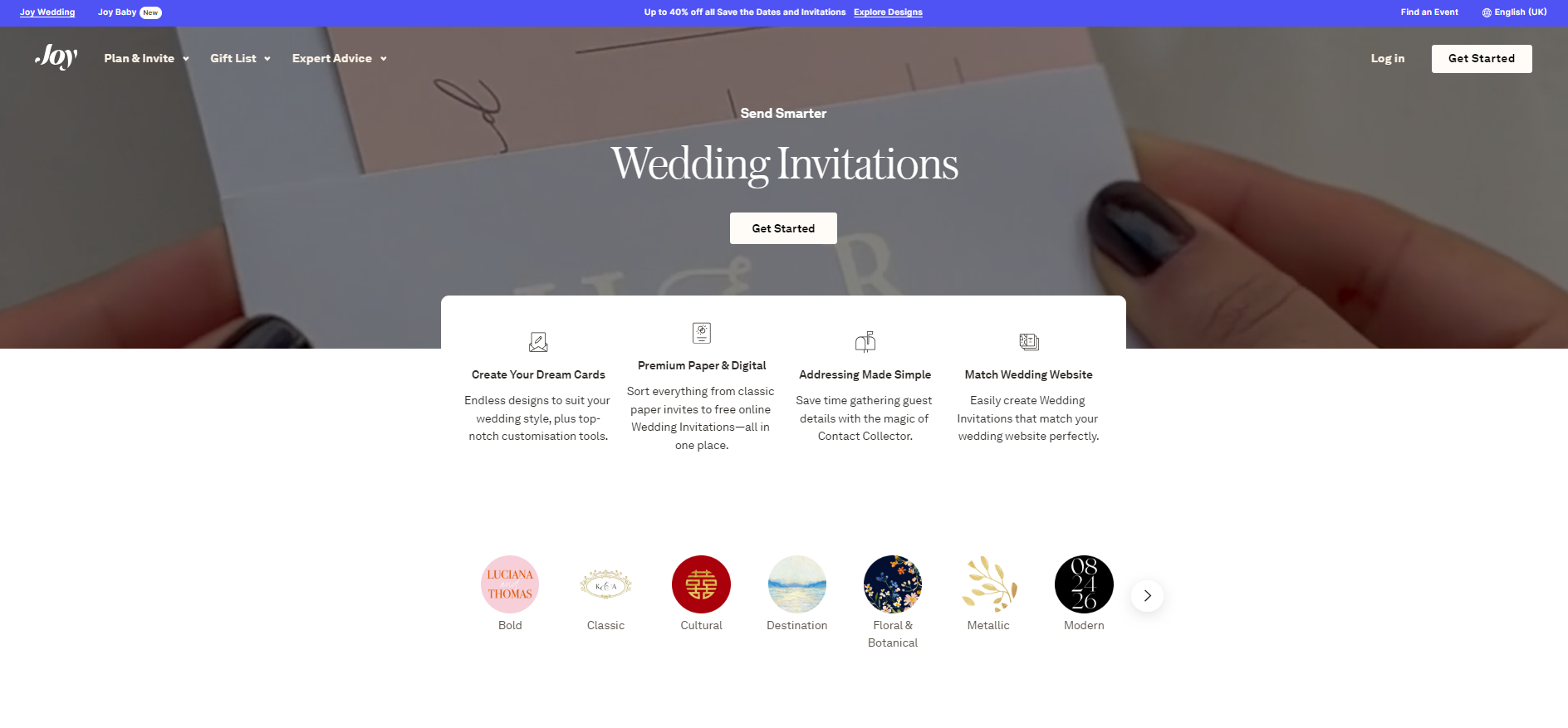
Best for: Couples who want their invitations, wedding website, guest list and RSVPs to work as one connected system.
Joy is substantially more than a digital invitation maker. Its main advantage is how the invitations connect with the broader wedding-planning environment.
Couples can create digital wedding invitations, build a wedding website, maintain their guest list and collect responses from one place. The RSVP system also supports multiple wedding events, which becomes useful when the guest list for the ceremony is not identical to the guest list for the rehearsal dinner, welcome event or post-wedding brunch.
That distinction matters more than it initially sounds. A simple RSVP form works perfectly well for one event. A wedding weekend can be much more complicated: some guests may be invited to the ceremony and reception, family members to a rehearsal dinner, and everyone to a next-day brunch. A system that understands separate events can save a considerable amount of manual sorting.
Joy also allows custom RSVP questions, guest grouping and plus-one management. Those features are useful if you need meal preferences, dietary information or answers to event-specific questions.
Where Joy works particularly well
Choose Joy when:
- you want a wedding website as well as invitations,
- several wedding events require separate RSVPs,
- guest grouping and plus-ones are important,
- you want digital invitations without paying for the basic wedding-planning tools,
- or you prefer to manage invitations and the wider guest experience in one system.
Joy currently states that its wedding websites, online RSVP and planning tools are free, and it also offers free customizable digital wedding invitations.
What to know before choosing it
The broader system can be more than you need if your only goal is sending one attractive invitation and collecting a simple yes/no response.
Verdict: One of the strongest options for couples who want a free connected wedding ecosystem, rather than a standalone digital card.
4. Evite — Best for Free Wedding Events and Familiar RSVP Tools
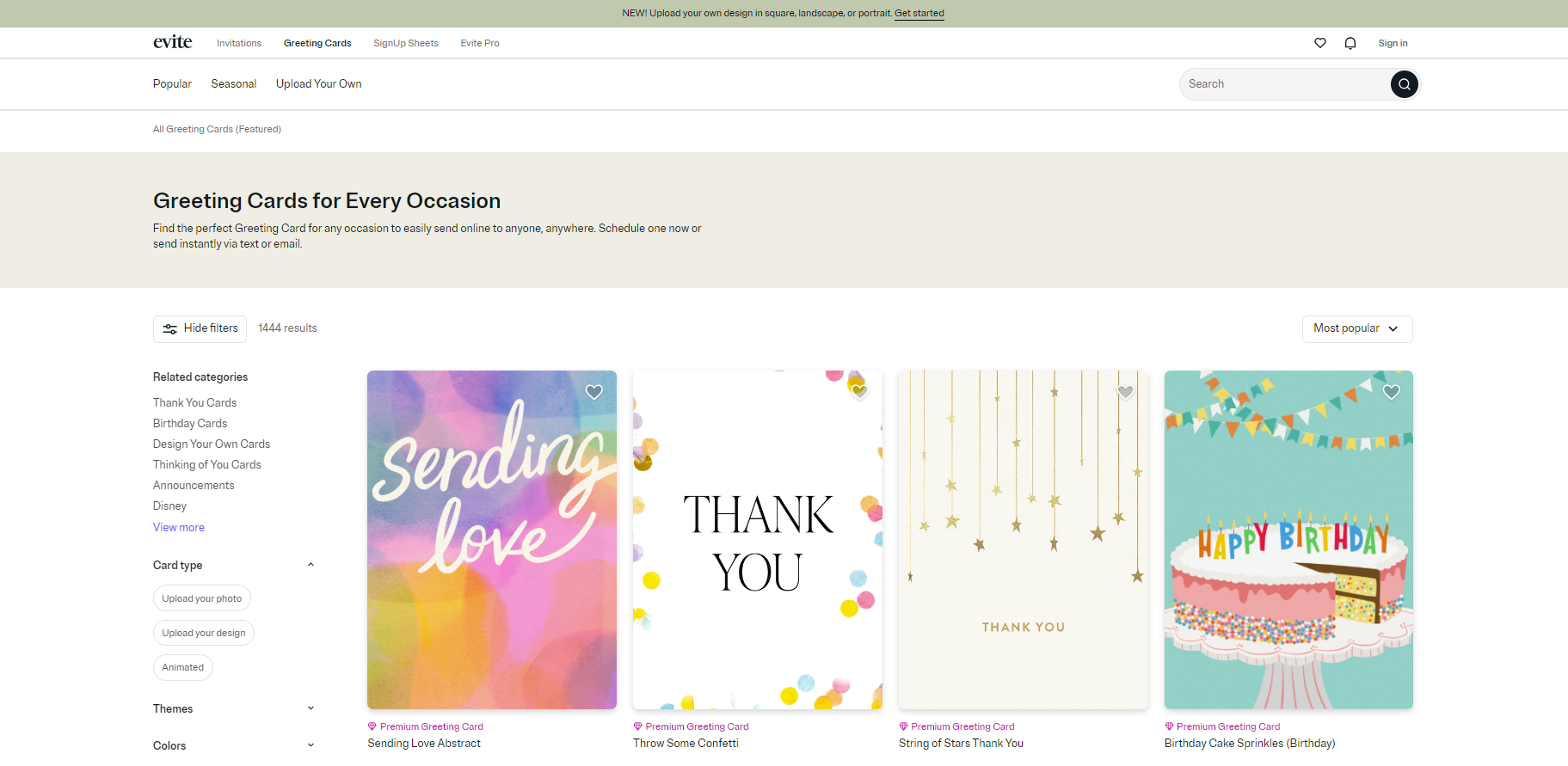
Best for: Couples planning several wedding-related events who want a large selection of free and premium templates.
Evite's wedding section goes well beyond the ceremony itself. Its current collections cover wedding-day invitations, save the dates, bridal showers, engagement parties, bachelor and bachelorette events, rehearsal dinners and other parts of the wedding weekend.
That is useful because many couples end up using separate systems for each event. Keeping the invitations within one platform can make guest management less fragmented.
Evite supports real-time RSVP tracking and lets hosts send invitations by email, text or shareable link. Hosts can also communicate with invitees and add another person as a co-host, which can help when wedding planning is being shared between partners, relatives or a planner.
Another genuinely useful feature is the ability to connect registries and a shared photo album to the wedding event.
Evite also currently maintains a dedicated Indian wedding invitation collection covering designs for events and aesthetics associated with Indian celebrations. That makes it worth considering for couples who need something beyond the typical Western ceremony-and-reception template structure.
Where Evite works particularly well
Choose Evite when:
- you want a genuine free-invitation selection,
- you are organizing several related wedding events,
- RSVP tracking needs to be straightforward,
- multiple people may help manage the event,
- you want to add registry information,
- or you are looking for dedicated Indian wedding options.
What to know before choosing it
Free invitations and Premium invitations coexist on the platform. Premium pricing depends on guest-list size, and premium invitations remove ads and add more elaborate presentation features.
Verdict: One of the most practical choices for couples who value event management and a broad free design selection over a luxury-stationery experience.
5. Greetings Island — Quick, Free Wedding eCards
Best for: Couples who want to design once and then decide whether different guests receive the invitation online or on paper.
Not every wedding guest list has to use a single delivery method. Some couples are perfectly happy sending links to friends but know that parents or older relatives would prefer something physical.
Greetings Island handles that hybrid situation particularly well.
Wedding invitations can be customized and shared digitally, downloaded as an image or PDF, printed at home, sent to a print shop or ordered through its printing service. The platform also has an online RSVP system rather than forcing digital users to create a separate response form.
Its current RSVP tools support guest tracking, plus-ones, meal choices and other event details. Hosts can also upload an invitation created elsewhere and add an RSVP page, which is useful if a designer has already created the wedding artwork.
Where Greetings Island works particularly well
Choose it when:
- some guests will receive digital invitations and others printed copies,
- you want downloadable PDF invitations,
- RSVP tracking still needs to happen online,
- you have already designed the invitation elsewhere,
- or budget matters.
Many of its wedding and RSVP templates are free to customize. Premium options are also available for couples who want additional designs or features.
What to know before choosing it
Its biggest advantage is flexibility rather than deep wedding-planning functionality. Couples who need complex multi-event guest segmentation may prefer Joy or another dedicated wedding-management platform.
Verdict: Probably the most useful option in this comparison for a couple saying, “We want digital invitations, but not for absolutely everyone.”
6. Bliss & Bone — Best for Luxury Digital Invitations and a Coordinated Wedding Look

Best for: Couples who want their online invitation, wedding website and printed stationery to look like parts of the same design system.
Bliss & Bone takes a noticeably design-led approach to digital wedding invitations. Its templates use layered details, textures and editorial-style layouts, and couples can customize colors and wording or upload their own artwork.
The bigger advantage is coordination. Digital wedding invitations can be matched with a wedding website, save-the-date and printed stationery from the same design collection. This matters when visual consistency is a high priority and you do not want the online invitation to look unrelated to the rest of the wedding materials.
The digital invitation still includes the practical tools expected from a modern platform. Guests can RSVP through the invitation experience, and hosts can monitor opens and responses. Invitations can currently be distributed by email, text or WhatsApp.
Bliss & Bone pricing in 2026
Current published pricing is:
- 1–9 recipients: $1.20 per recipient
- 10+ recipients: $0.90 per recipient
- 300+ recipients: $0.70 per recipient
Designing and previewing can be done before paying to send.
Where Bliss & Bone works particularly well
Consider it when:
- premium visual design is worth paying for,
- your digital and printed wedding materials should match,
- you want a wedding website in the same visual family,
- or invitation open tracking matters.
What to know before choosing it
Bliss & Bone is clearly positioned as a paid premium product rather than a free invitation service. Each of its products is also purchased separately, so couples using several parts of the wedding suite should consider the total cost.
Verdict: Best suited to couples treating invitations as an important part of the wedding's overall visual identity, rather than simply a way to communicate logistics.
7. Canva — Best for DIY Wedding Invitation Design and Creative Control
Best for: Couples who care more about controlling the design than using a conventional invitation platform.
Canva approaches the problem from the opposite direction to services such as Greenvelope and Evite.
It is primarily a design platform.
That means its strength is flexibility. Couples can change typography, colors, imagery and layouts far beyond what is normally possible in a template-based invitation service. They can also create an entire matching wedding suite containing save-the-dates, invitations, RSVP cards, itineraries, menus, thank-you cards, signage and other event materials.
Canva is particularly interesting for Indian weddings because its current wedding tools include culturally inspired designs for events such as Haldi, Mehendi and Sangeet, along with support for regional styles and multiple languages.
Once finished, designs can be shared digitally, downloaded or sent to Canva Print.
Canva has also expanded into wedding websites. Couples can build a wedding site containing ceremony details, travel information and RSVP information, so the platform can now handle more of the guest experience than a simple invitation image.
Where Canva works particularly well
Choose Canva if:
- design control matters more than a pre-built invitation workflow,
- you want matching stationery for many wedding events,
- you are planning an Indian or multilingual wedding,
- you want both digital and professionally printed materials,
- or you already use Canva comfortably.
What to know before choosing it
The invitation designer itself is still fundamentally a design tool. If your priority is sending invitations to a structured guest list and automatically managing detailed RSVP workflows, Paperless Post, Greenvelope, Joy, Evite or Sendwishonline may require less setup.
Verdict: The strongest option here for DIY creative freedom, rather than the strongest dedicated wedding invitation management system.
8. Greenvelope — Best for Detailed RSVP and Guest Management
Best for: Couples who want polished digital invitations but place equal importance on managing responses.
Greenvelope combines designer-oriented invitations with event-management tools, including RSVP tracking, meal choices and automatic reminders.
Its invitations are delivered digitally and can incorporate stationery-style details such as an envelope, liner and stamp. Couples can customize existing designer suites or upload their own design.
The practical side is where Greenvelope becomes particularly useful for weddings. Hosts can track responses and use RSVP questions to collect information needed later for seating, catering or other event planning.
For a large guest list, having this information structured inside the invitation system is substantially easier than collecting meal requests from email threads and WhatsApp messages.
Greenvelope also uses a guest-count-based pricing structure rather than requiring a recurring subscription for a wedding mailing. The company states that, as of August 2026, a single wedding mailing to 100 guests costs $99 and includes design, digital delivery, RSVP tracking with meal choices and automatic reminders.
Where Greenvelope works particularly well
Consider Greenvelope when:
- RSVP management is as important as the invitation design,
- you want reminders built into the process,
- meal choices or other guest questions need to be tracked,
- you prefer a one-time wedding mailing rather than a subscription,
- or you like the presentation of traditional stationery but want fully digital delivery.
What to know before choosing it
Greenvelope is not primarily a free wedding invitation platform once you move beyond its limited trial usage. Couples working with a very small invitation budget may prefer Sendwishonline, Joy, Evite or Greetings Island.
Verdict: A good choice for weddings where guest-list administration is becoming complicated enough to justify paying for stronger management tools.
Wedding Invitation vs Wedding Congratulations Card: Do Not Confuse the Two
One reason online comparisons become confusing is that “wedding card” can refer to two completely different products.
A wedding invitation comes from the couple or hosts. Its job is to tell guests that they are invited, explain when and where the event is happening and collect an RSVP.
A wedding congratulations card travels in the opposite direction. Friends, relatives or coworkers send it to the couple to congratulate them.
The features you need are therefore completely different.
For an invitation, prioritize:
- guest lists,
- RSVP tracking,
- plus-ones,
- event schedules,
- venue information,
- reminders,
- and delivery.
For a congratulations card, priorities are more likely to be:
- messages from friends and family,
- photos,
- group signing,
- video or GIFs,
- and creating a keepsake for the couple.
If you are looking for the second type rather than an invitation, use a wedding congratulations group card instead.
How We Compared These Wedding Invitation Websites
A large template library does not automatically make one platform better than another. For a wedding, the surrounding workflow matters just as much as the design.
1. Invitation design
We looked at whether the platform provides wedding-specific designs and how much of the visual experience can be customized.
A couple wanting a simple floral invitation has different needs from someone coordinating stationery across a destination wedding weekend.
2. RSVP capability
An RSVP button is only the beginning. Depending on the wedding, couples may need to collect plus-ones, meal preferences, dietary requirements or attendance for multiple events.
If RSVP management is a major requirement, compare those capabilities before selecting the design.
3. Delivery
Different guest lists work differently.
Email delivery may suit a formal guest list. WhatsApp or a shareable link may work better for families who already communicate there. Text delivery may be valuable when guests rarely check email.
Choose the delivery method your guests will actually use rather than the one that sounds most formal.
4. Guest management
For a 30-person ceremony, a simple RSVP list may be enough. For 200 guests attending different parts of a wedding weekend, guest grouping and event-level responses become much more valuable.
5. Digital versus print flexibility
A fully digital wedding is not the only option.
Many couples use a hybrid approach: digital invitations for most guests and physical invitations for older relatives, close family members or people who value traditional stationery.
If that sounds like your plan, look closely at Greetings Island, Canva or Bliss & Bone rather than choosing a digital-only service and trying to recreate the invitation later.
6. Real cost
“Free to design” and “free to send” are not the same thing.
Before committing to an invitation, check:
- whether the design is free,
- whether sending is charged per recipient,
- whether premium design elements cost extra,
- whether RSVP tools require an upgrade,
- and whether the price changes with the size of your guest list.
For a large wedding, a small per-recipient difference can become significant.
Which Digital Wedding Invitation Website Should You Choose?
There is no need to choose the platform with the longest feature list. Choose the one that solves the complicated part of your wedding.
- Choose Sendwishonline if you want a straightforward free digital invitation with RSVP preferences and a shareable link.
- Choose Joy if you want free invitations closely integrated with a wedding website, guest list and multi-event RSVP system.
- Choose Paperless Post if the invitation needs to feel as close as possible to premium digital stationery.
- Choose Greenvelope if RSVP management, reminders and guest information are becoming complicated.
- Choose Evite if you want a large collection of free wedding and wedding-weekend invitations with established RSVP tools.
- Choose Bliss & Bone if coordinated luxury design matters enough to pay for it.
- Choose Greetings Island if some guests will receive the invitation digitally and others on paper.
- Choose Canva if you want to control every visual detail yourself or build a coordinated multilingual or Indian wedding stationery suite.
That is a much more useful definition of “best” than pretending one website should win for every couple.
A Practical Digital Wedding Invitation Checklist
Before publishing your invitation, check the information rather than just the design.
Your invitation should normally make the following clear:
- names of the couple,
- wedding date,
- ceremony time,
- venue and address,
- reception details if different,
- RSVP deadline,
- how guests should RSVP,
- plus-one guidance where necessary,
- dress code if relevant,
- and a link or location for additional information.
For destination weddings or multi-day celebrations, consider whether guests also need travel, accommodation and separate event details.
If you are creating yours from scratch, our step-by-step guide to creating a wedding invitation online walks through the process from selecting a template to sharing the finished invitation.
And if the wedding date has been chosen but formal details are not ready yet, a digital save-the-date may be the better first step.
Frequently Asked Questions
What is the best free digital wedding invitation website?
It depends on what “free” needs to include. Sendwishonline provides free digital wedding invitation templates with RSVP preferences and link sharing. Joy also offers free digital wedding invitations alongside its free wedding website and RSVP tools. Evite and Greetings Island both maintain free wedding invitation options alongside paid upgrades.
Compare the specific features you need before choosing purely on price.
What is the best digital wedding invitation website for RSVPs?
For detailed RSVP and guest management, Greenvelope, Joy and Paperless Post are strong options. Joy is particularly useful for weddings with multiple events, while Greenvelope emphasizes structured RSVP tracking and reminders. Sendwishonline can be a simpler option when you primarily need an invitation with straightforward RSVP responses.
Can digital wedding invitations be sent through WhatsApp?
Yes, if the platform gives you a shareable invitation link. Sendwishonline invitations can be shared through messaging apps, and Bliss & Bone specifically supports sharing through WhatsApp as well as email and text. Other platforms may use email or SMS as their primary delivery method.
Can I use both digital and printed wedding invitations?
Yes. A hybrid invitation strategy can work especially well when different generations prefer different formats. Greetings Island and Canva both make it easy to move between digital sharing and printed invitations, while Bliss & Bone offers coordinated digital and printed wedding stationery.
Is Canva a digital wedding invitation platform?
Canva can create and digitally share wedding invitations, but it is primarily a design platform rather than a traditional invitation-management service. It is excellent when customization is the priority. Couples who need deeper RSVP tracking or automated guest communication may find a dedicated invitation platform easier.
Does Zola offer digital wedding invitations?
As of August 2026, Zola says it does not offer digital invitations. It offers digital save-the-dates, wedding websites, RSVP tools and printed wedding stationery, but those should not be confused with a dedicated digital wedding invitation product.
What is the difference between an eCard and a digital wedding invitation?
An eCard is generally a greeting sent to someone—for example, a wedding congratulations card sent to a newly married couple. A digital wedding invitation comes from the couple or wedding hosts and contains event information and usually an RSVP method.
For wedding planning, use a digital invitation. For collecting messages and congratulations for the couple, use a group wedding eCard.
Final Verdict
The best digital wedding invitation website is the one that removes the most difficult part of your invitation process.
For some couples that is design. For others it is RSVP management, coordinating several events, reaching international guests or creating both digital and physical invitations without duplicating the work.
Start by deciding what you genuinely need—simple link sharing, detailed guest management, designer presentation, print flexibility or full creative control—and then choose the platform around that requirement.
If a straightforward digital invitation with RSVP options fits your wedding, you can browse free wedding invitation templates on Sendwishonline, customize the event details and share the completed invitation with your guests online.
Recent Articles
How to Collect RSVPs Easily with Digital Invitations
How to Create a Wedding Invitation Online in 3 Minutes: A Full Step-by-Step Guide
Top 10 Free Online Invitation Makers (and Why Ours Is #1)
10 Best Graduation Invitation Websites for 2025
10 Best Holiday Party Invitation Websites for the Festive Season
10 Best Websites for Housewarming Invitations | Invite Loved Ones Easily