
9 Best Baby Shower eCard Sites, and What Each Is Best At
Someone on your team is having a baby, and you have somehow become the person organising the card. You want everyone to sign it — the four people in the office, the two who are remote, and her old manager who left last year. So you type "baby shower ecards" and get nine sites that all look broadly identical and none of which answer the only question that matters: can anyone other than you actually add a message to it.
Most of them cannot. That single split is what this list is organised around, because a site built for one person sending one card will never do the job you are trying to do, no matter how good the designs are.
We make baby shower cards, so factor that in. Every entry below has a "where it falls short" section, ours included, and where a competitor is the better pick we have said so.
One thing to settle first. An invitation and a card are different products. An invitation goes to guests before the shower and needs RSVP tracking and a guest list. A card goes to the parents-to-be and needs somewhere for people to write. Four sites below are invitation platforms and two are card platforms, and mixing them up is the most common reason people end up on the wrong site. If invitations are what you need, our guide to baby shower invitation websites covers that side.
The Short Version
- Several people signing one card — Sendwishonline or GroupGreeting. Nothing else on this list does it.
- Best designs, cost no object — Paperless Post
- Free with the biggest catalogue — 123Greetings, though it looks free
- Hosting an actual shower with RSVPs — Evite for free-with-ads, Punchbowl for design
- A photo montage rather than a card — Smilebox
- An older recipient — Blue Mountain
- Animation — TheeCards
1. Sendwishonline — Group Cards Everyone Signs
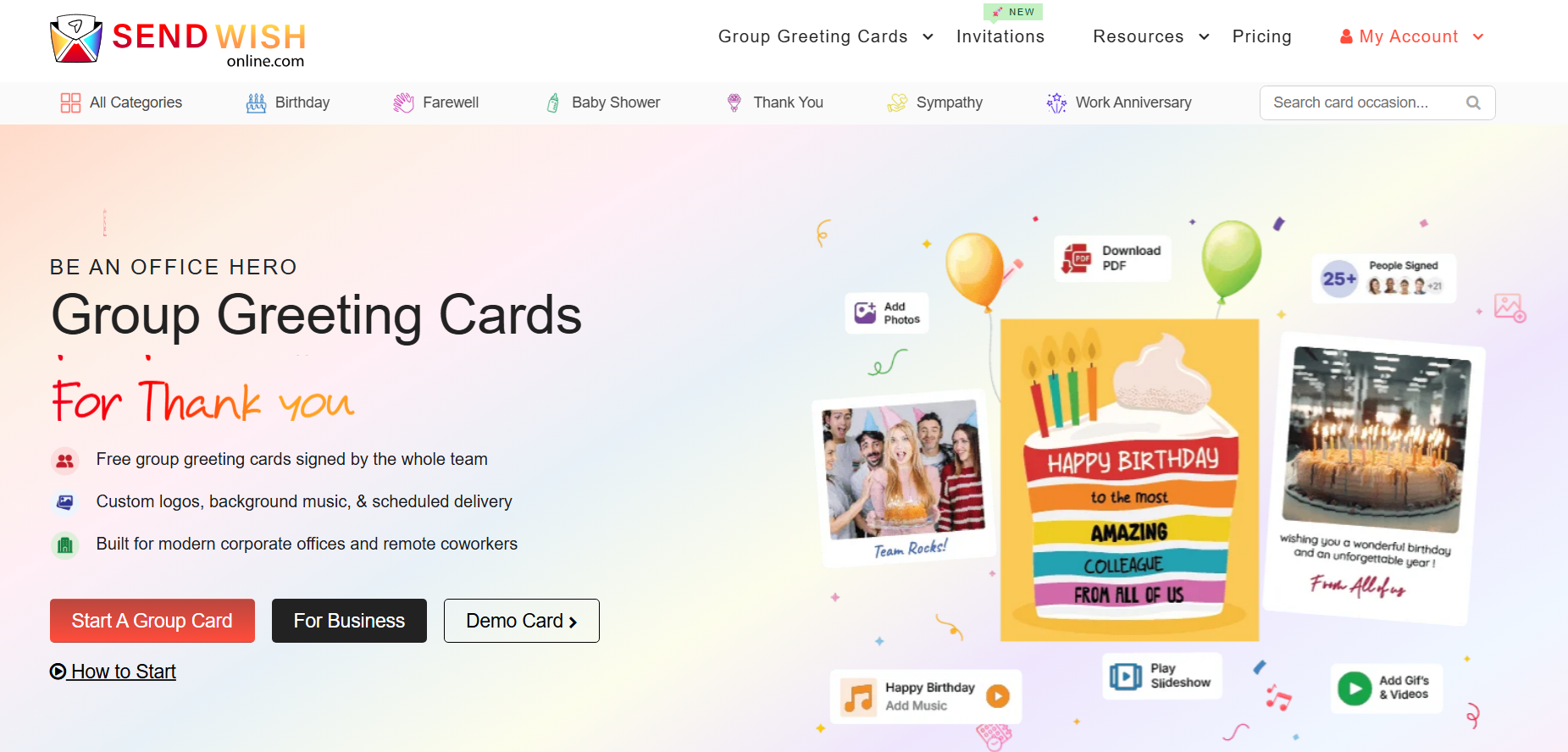
Best for: Coworkers, families and friend groups who want everyone to sign the same baby shower card.
A baby shower often involves far more people than the person organizing the celebration. Colleagues may want to congratulate an expecting coworker, extended family may live in different cities, and friends who cannot attend may still want their message included.
That is where Sendwishonline baby shower cards are most useful. Instead of everyone sending separate messages, one organizer creates the card and shares a signing link. Friends, relatives or coworkers can then add their own contribution before the card is delivered.
The group-card format is particularly useful for workplace baby showers because the person coordinating the card does not have to collect messages manually. Signers can contribute remotely, and they do not need to register an account simply to sign the card.
Sendwishonline also supports photos and other media, scheduled delivery, customization and shareable links. Free cards support up to 30 signatures, while premium cards can support unlimited signatures and additional features such as PDF download, video messages, music and slideshow presentation.
Where Sendwishonline works best
Choose it when the value of the card comes from many people contributing, rather than from one sender creating a highly designed greeting. A team baby shower, virtual shower, maternity-leave send-off or family card involving relatives in several locations are natural fits.
If people are unsure what to write, share our collection of baby shower wishes for parents-to-be before sending the signing link. A little guidance usually produces better messages than simply asking everyone to “sign the card.”
Main limitation: Sendwishonline is built primarily around digital group cards. If the main goal is managing the baby shower itself—guest lists, RSVPs and event details—an invitation platform may be more appropriate.
2. TheeCards.com – Classic, Animated Baby Shower eCards
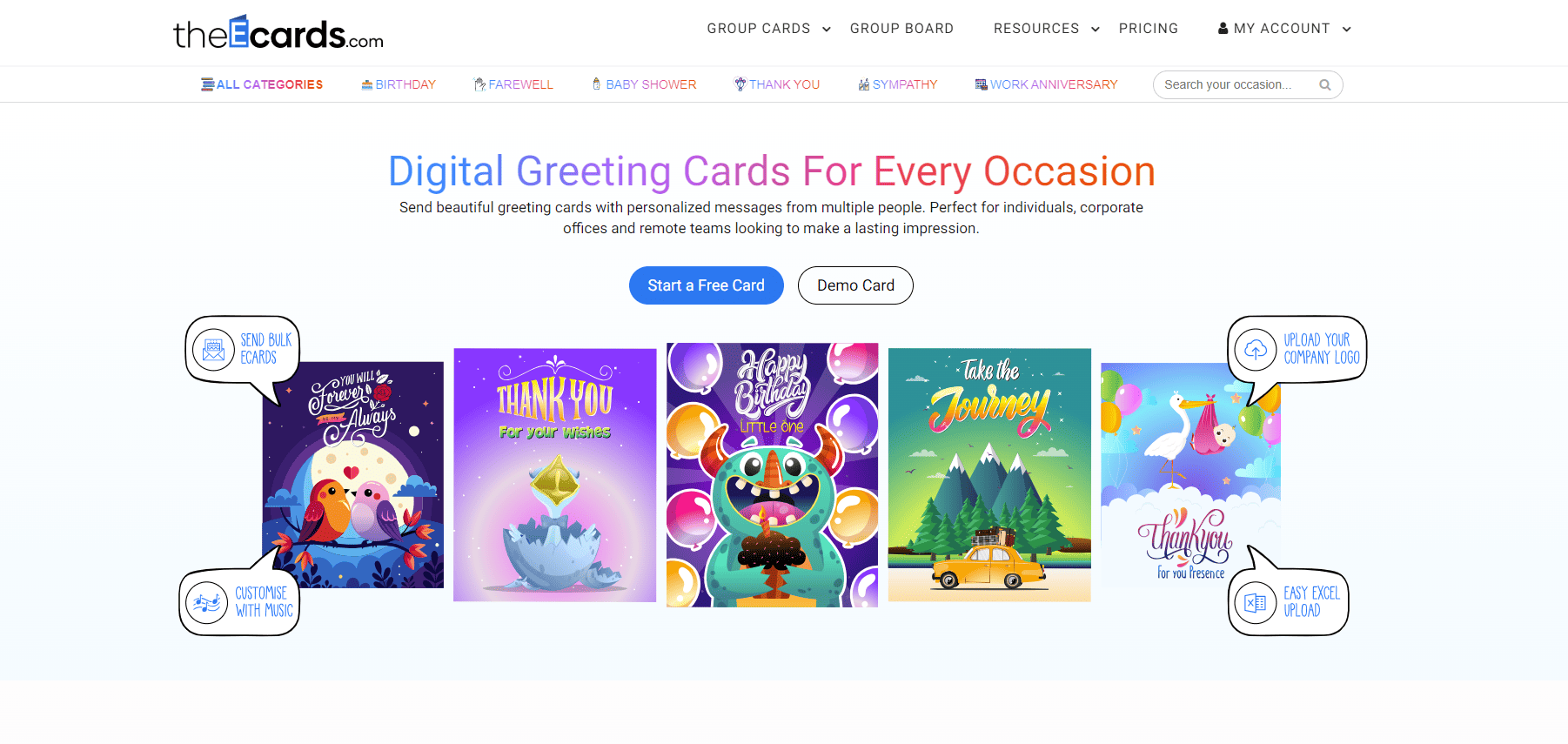
Best for: Groups that want both collaborative signing and animated baby-themed designs.
TheeCards combines two approaches that are often separated: animated eCards and group signing.
Its baby shower collection includes regular and animated card designs that can be shared with multiple people for contributions. That makes it useful for users who want something livelier than a static digital card without giving up the collaborative element.
For informal baby showers, family groups or teams that enjoy GIF-style designs, animation can add personality. It works particularly well when the parents-to-be already enjoy playful digital greetings.
The important thing is not to let animation replace the message. A moving teddy bear may make someone smile once; a specific note from a friend or coworker is what gives the card lasting meaning.
If your contributors struggle to make their messages personal, our guide to writing group-card messages that feel authentic can help.
Main limitation: People looking specifically for event management or sophisticated invitation tools should use a dedicated invitation platform instead.
3. Punchbowl – Digital Invitations with Style
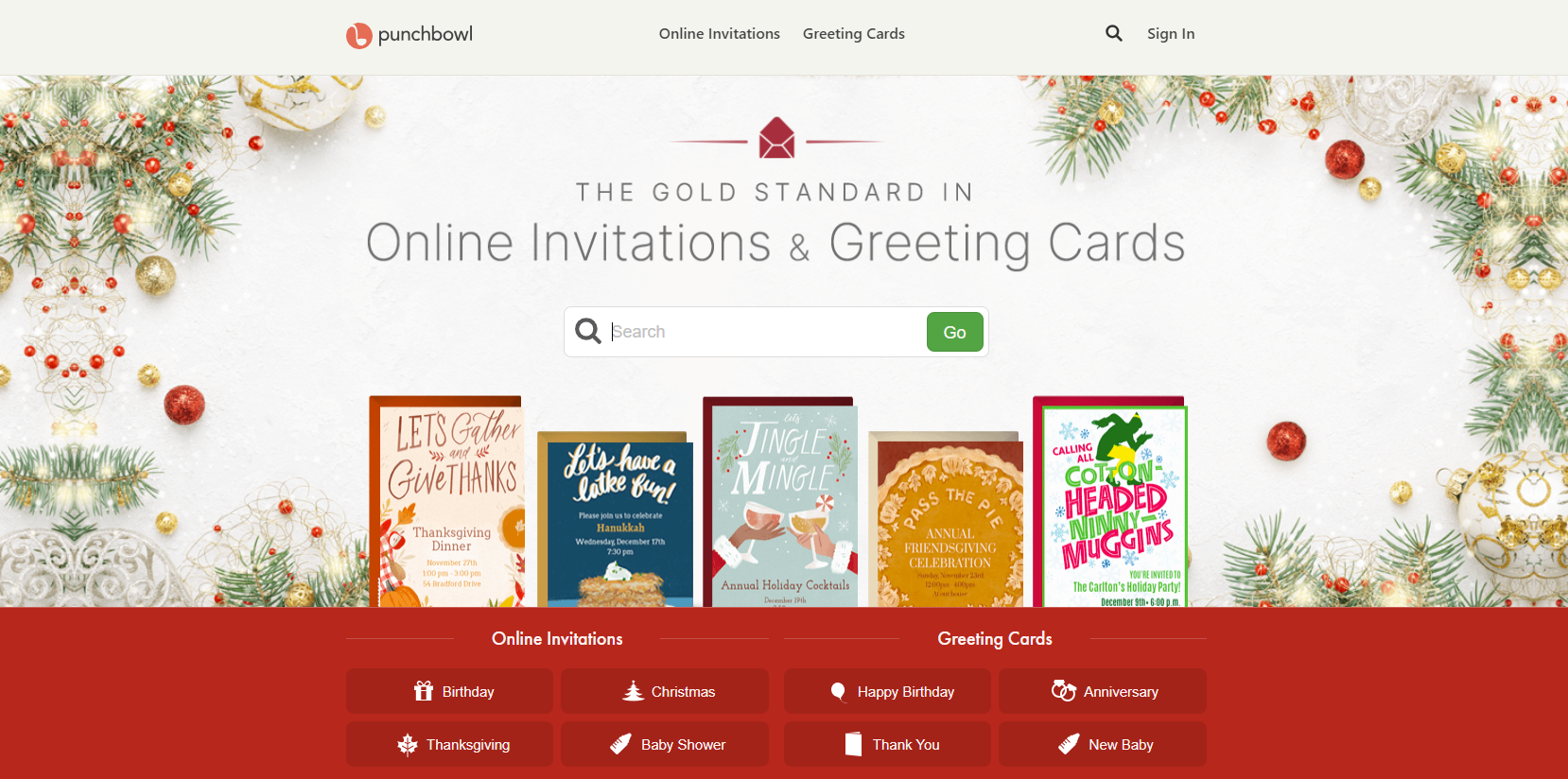
Best for: Someone sending an individual baby congratulations card who may also want to include a digital gift.
Punchbowl covers both sides of the baby category: event invitations and digital congratulations cards. Its current baby-card collection includes options for new babies, pregnancy congratulations and related celebrations, while individual cards can be personalized and sent digitally.
One particularly useful distinction is gift integration. For a distant friend or relative, combining the card with a gift can be more convenient than arranging separate delivery.
Punchbowl is therefore worth considering when the sender is primarily one person congratulating another person, rather than a large group trying to collect dozens of messages.
It also makes sense for households already using Punchbowl to organize the shower because invitations and later thank-you or congratulations cards can remain within the same ecosystem.
Main limitation: If the main goal is a large shared card signed independently by coworkers or relatives, a dedicated group-card platform provides a more natural workflow.
4. Paperless Post: Elegant and Customizable
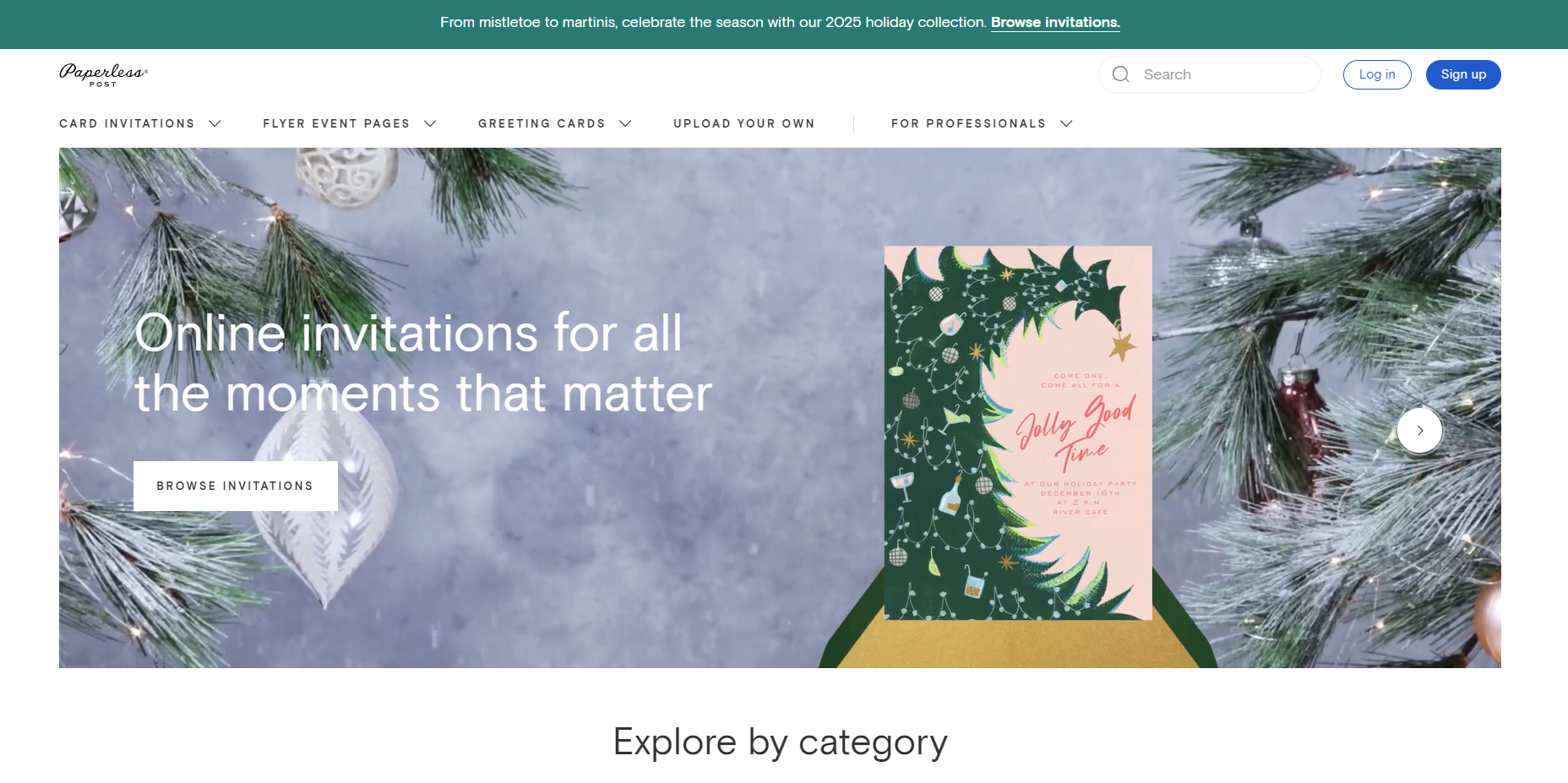
Best for: Hosts who care more about invitations, event design and RSVP management than collecting a group greeting.
Paperless Post approaches the baby shower from the event-planning side rather than the group-card side. Its baby shower collection includes a large range of invitation designs, including gender-neutral themes, photo invitations and designer-led styles.
The main advantage is that the invitation and event management stay together. Hosts can send invitations digitally, share them through supported channels and track RSVPs rather than maintaining a separate guest spreadsheet.
That makes Paperless Post a stronger choice when you are organizing the shower, not merely congratulating the parents-to-be.
There is an important distinction here. A baby shower invitation tells guests where and when to celebrate. A baby shower eCard tells the expecting parents what people want to say to them. Those are different jobs, and using one page to compare them without explaining that difference can be misleading.
If invitations are what you actually need, you can also compare dedicated platforms in our guide to baby shower invitation websites.
Main limitation: Paperless Post makes more sense for event communication than for collecting many independent congratulatory messages in one collaborative group card.
5. Greetings Island — Best for Digital and Printable Flexibility

Best for: Someone who is undecided between sending digitally and giving the parents a physical card.
Greetings Island occupies an interesting middle ground. Its baby shower and new-baby designs can be customized digitally, and supported designs can also be printed or shared. It also offers group-card functionality on eligible cards, allowing several people to participate.
That makes it useful for occasions where digital convenience matters during creation but the final format has not been decided.
For example, family members could prepare a card online and then print a version to accompany a physical baby gift. Someone attending a shower in person might prefer the printed version, while a distant relative can send digitally.
This flexibility is especially useful for baby showers because physical gifts are still common even when the communication around the event happens online.
Main limitation: If your priority is advanced collaborative group-card features rather than print flexibility, a dedicated group-card platform may offer a simpler experience.
6. Blue Mountain - Thoughtful and Traditional
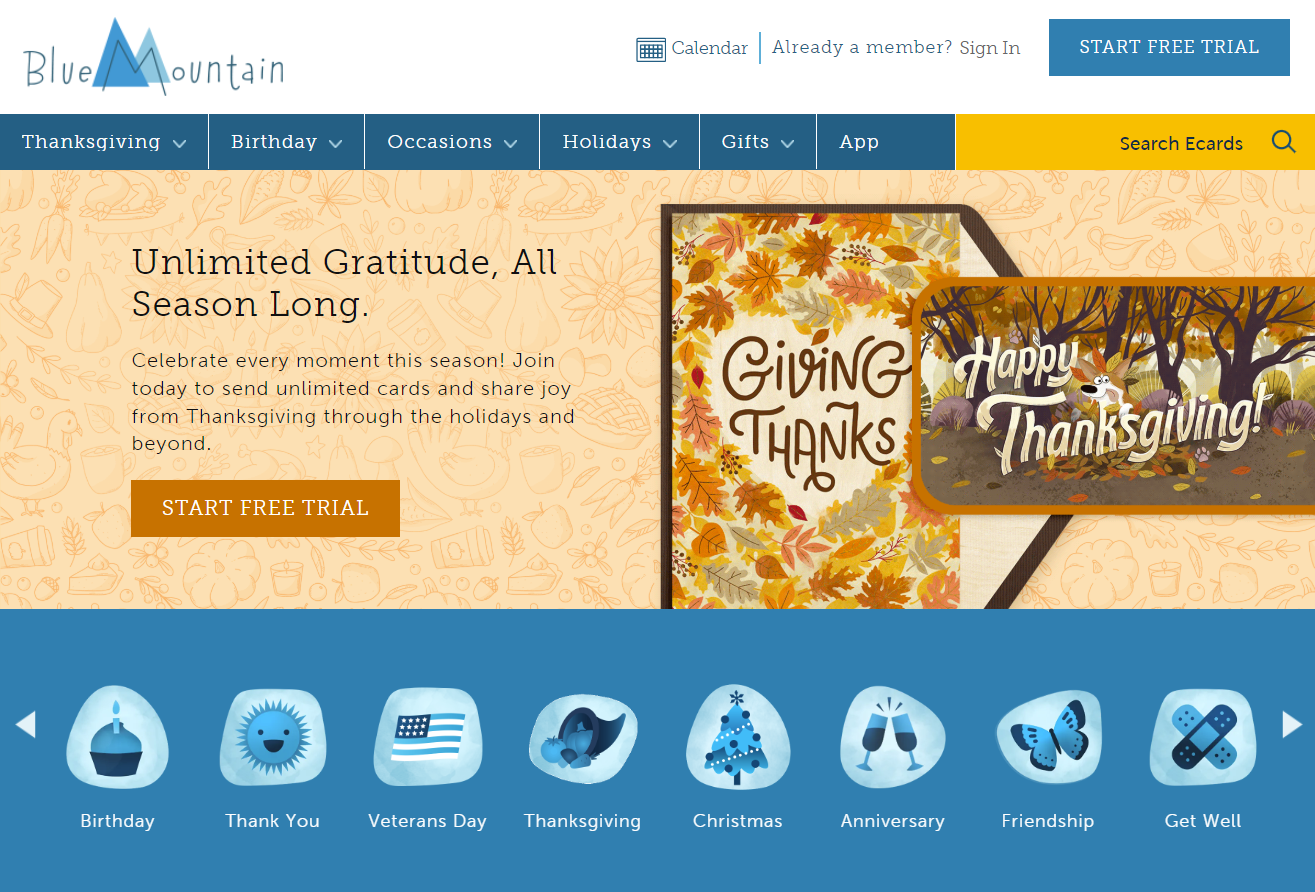
Best for: Someone who wants a traditional eCard experience with animation, music or playful presentation.
Blue Mountain is closer to the classic definition of an eCard: choose an animated greeting, personalize it and send it directly to the recipient.
Its baby collection currently includes new-baby congratulations, baby boy and baby girl greetings, pregnancy congratulations and related cards. Some designs emphasize animation or entertainment rather than recreating the experience of a physical group card.
That makes Blue Mountain a reasonable choice when one sender wants the greeting itself to provide the entertainment.
It is particularly different from Sendwishonline or GroupGreeting. Those platforms gain their emotional weight from many contributors. Blue Mountain is more useful when the card itself—the animation, design or presentation—is doing more of the work.
Main limitation: It is not primarily built around collecting a large group's independent messages on one shared card.
7. Greeting Card Universe – Baby Shower Cards with Ready-Made Designs
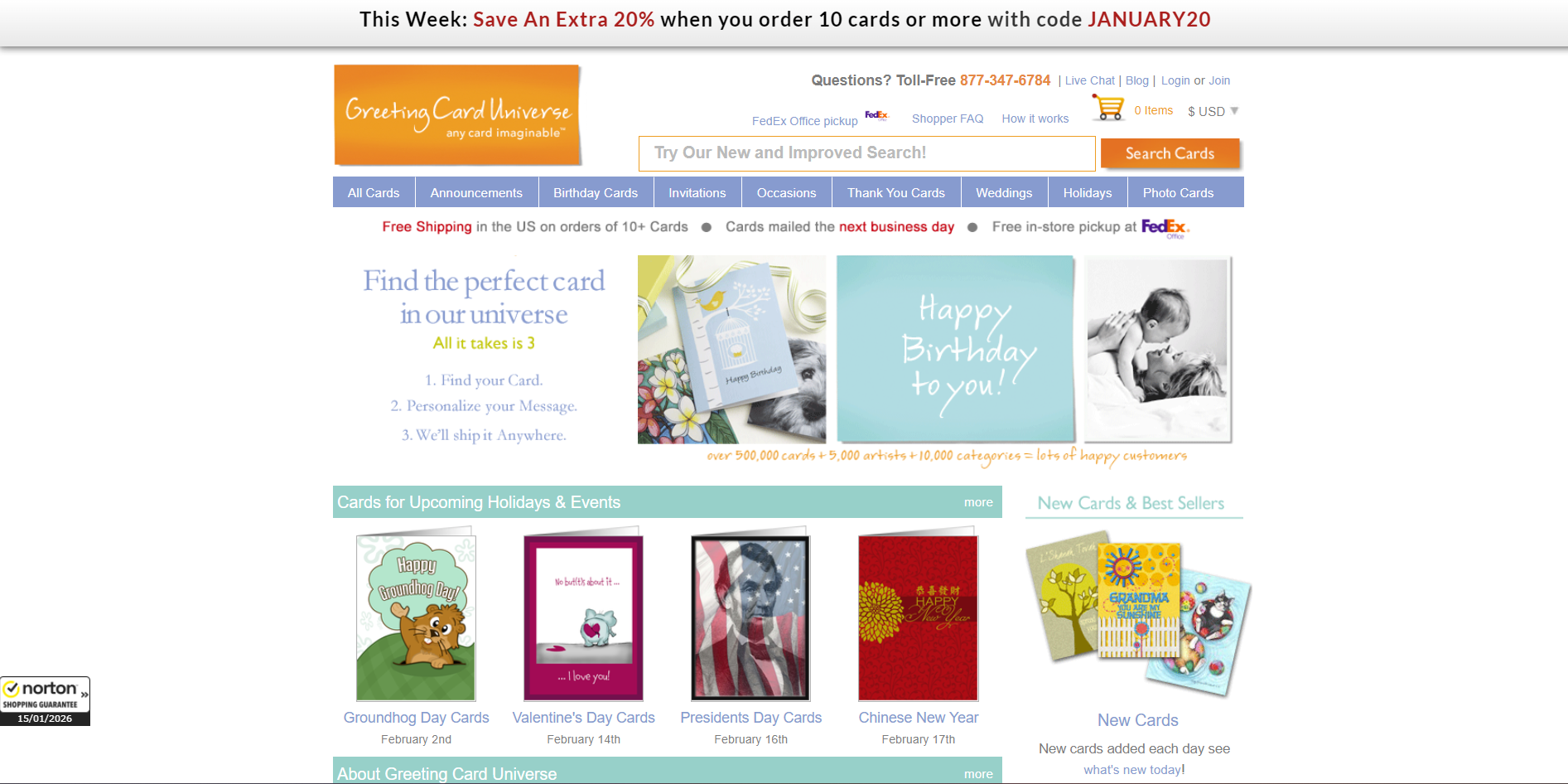
Greeting Card Universe is a dedicated greeting card website with a huge selection of baby shower cards, perfect for when you want something sweet, thoughtful, and ready to send. Instead of designing from scratch, you can choose from professionally made baby shower card designs and personalize the message in minutes.
Key Features:
- Large Baby Shower Collection: Tons of baby shower and “mom-to-be” card designs, from cute and playful to elegant and classic.
- Personalized Messages: Edit the inside text easily to add names, wishes, or a heartfelt note.
- Printed or Digital Options: Send the card online instantly or order a printed card delivered to the recipient.
- Custom Touches: Add small edits like names, relationship (coworker/friend/sister), and your own wording.
Why it’s special: Greeting Card Universe makes it effortless to send a baby shower card that feels polished and meaningful—without needing design skills or spending time building a card from scratch.
8. GroupGreeting: Collaboration of Baby Shower Wishes
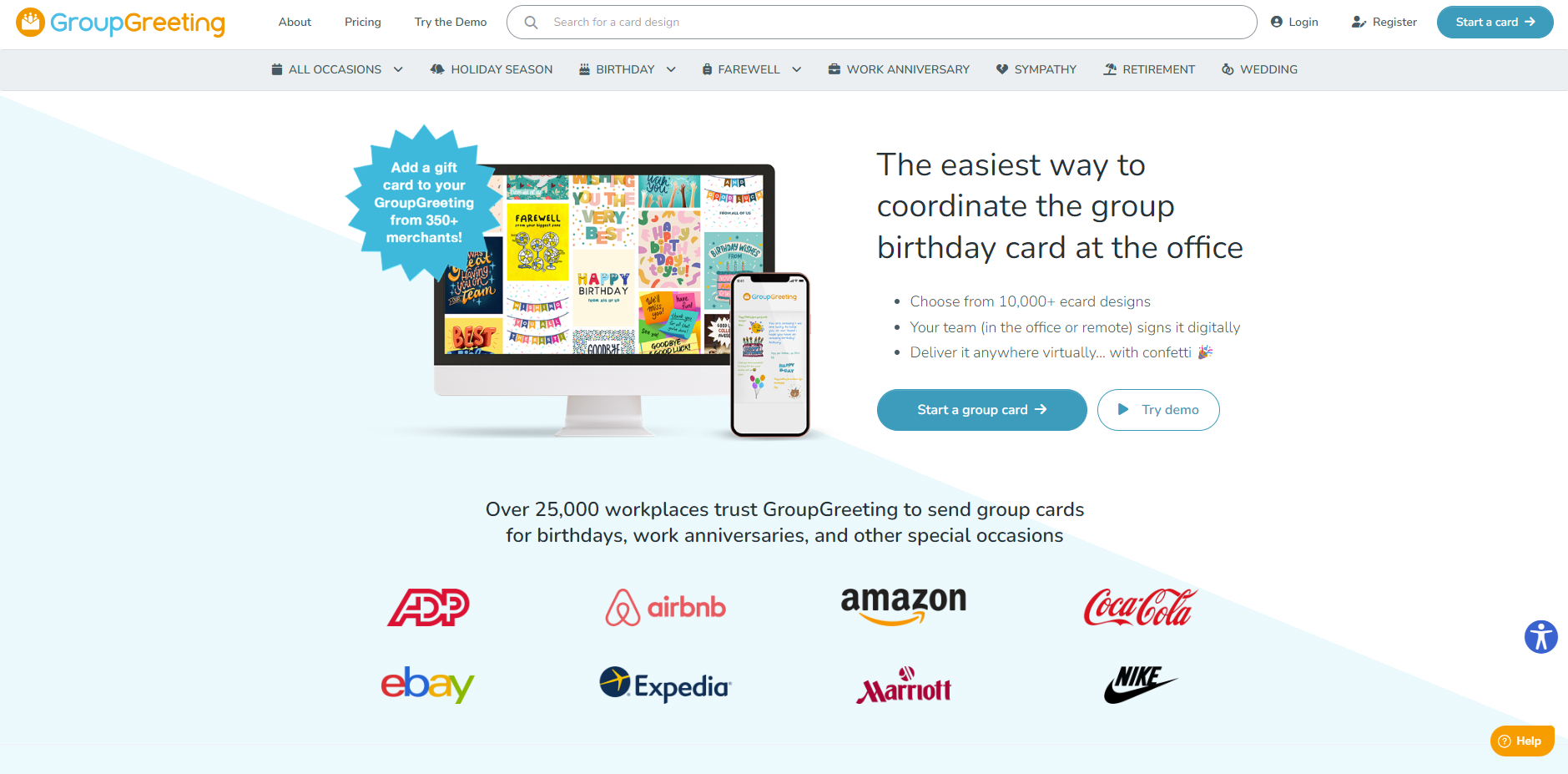
Best for: Groups that want a traditional card experience moved online.
GroupGreeting is another platform specifically built around shared digital cards. Its baby collection includes baby shower and new-baby designs that can be customized and used as collaborative cards.
The format is easy to understand if your group is used to passing a physical card around an office: choose the cover, share access with contributors and let everyone add their message before it reaches the recipient.
This makes GroupGreeting a practical Sendwishonline alternative for workplace baby showers, large friend groups and distributed families where the main requirement is straightforward group participation.
Where it differs from a design-first platform such as Canva is the purpose. The design is important, but the collection of messages is the product.
Main limitation: If you also need to organize the baby shower event itself, you may still need a separate invitation or RSVP tool.
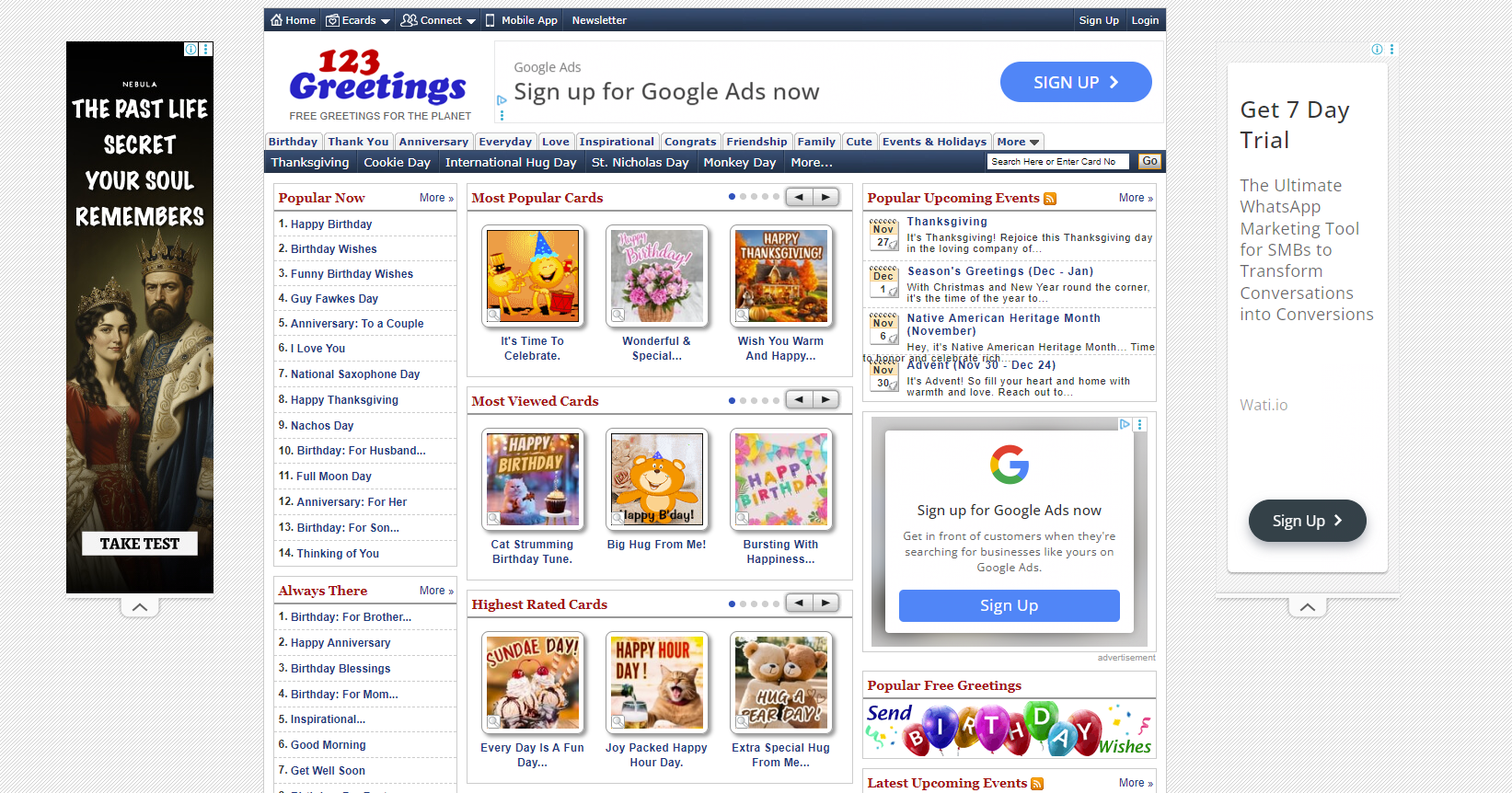
9. 123Greetings – Free and Fun Baby Shower eCards
Best for: Someone who wants to find an existing digital greeting and send it quickly.
123Greetings has been around for years and still maintains a collection of baby shower-related cards, including animated and video-style greetings.
Its biggest advantage is simplicity. If you do not need a collaborative card, extensive design controls or an event-management system, you can browse the available baby shower greetings and choose something appropriate without building a card from scratch.
This works well for acquaintances, extended family members or situations where the message is more important than creating an elaborate shared experience.
The design style will not suit everyone, particularly users looking for modern minimalist or highly personalized layouts, but that is largely a matter of taste.
Main limitation: It is better suited to straightforward individual greetings than to a coordinated group baby shower card.
Baby Shower eCard or Baby Shower Invitation: Which Do You Actually Need?
These two formats are regularly grouped together, but choosing between them is simple once you identify what the recipient needs to do.
Choose a baby shower invitation when you need guests to know the date, time, location or event link and possibly RSVP. Invitations are organizational. They should make attendance easy.
Choose a baby shower eCard when the purpose is congratulations, support or personal messages for the parents-to-be. Cards are emotional. They should make contributing and reading the wishes easy.
Choose a group baby shower card when several people want to contribute to the same greeting. This is particularly useful for coworkers, extended families, remote teams and friends in different locations.
In some cases you need both. The host may send a digital baby shower invitation several weeks before the event, while coworkers or relatives separately prepare a group baby shower eCard as a surprise for the parents-to-be.
What to Look for in a Baby Shower eCard Website
The prettiest card is not automatically the best choice. Before choosing a platform, think about how the card will actually be created.
How many people need to contribute?
For one sender, almost any eCard service works. Once several people are contributing, the process matters much more. Look for a shared signing link or dedicated contributor workflow instead of asking everyone to send their message to one organizer manually.
Will contributors be in different locations?
For remote teams or geographically spread families, asynchronous signing is especially useful. Nobody should have to be online at the same time simply to contribute to a card.
Do you want photos or multimedia?
Baby showers naturally produce personal material: ultrasound photographs, maternity pictures, family photos, short videos and playful GIFs. If those are important to the card, check what the chosen platform actually supports.
Do not add media simply because it is available. One relevant photo usually adds more meaning than ten decorative GIFs.
Does the recipient want something printable?
Some parents keep baby-shower cards for years. If physical keepsakes matter to them, choose a service with a printable or downloadable option, or use a platform designed for printing from the beginning.
Are you really trying to organize the event?
If you need RSVP tracking, reminders, guest management and event details, stop comparing greeting cards and choose a baby shower invitation service instead. It solves a different problem better.
How to Make a Group Baby Shower Card Feel Personal
The most common mistake is focusing too much on the card design and too little on what everyone writes.
Instead of sending contributors an empty signing link with “Please sign this,” give them a small prompt. For example:
- What is one thing you think will make them a wonderful parent?
- What are you most excited for them to experience?
- Share one memory that makes you smile.
- What is one wish you have for their growing family?
- What should they remember during the exhausting first weeks?
Those questions produce messages the parents-to-be can actually recognize as coming from individual people.
For more inspiration, use our baby shower wishes as starting points rather than copying the same sentence into every card.
Which Baby Shower eCard Website Should You Choose?
The answer depends on what you are trying to create.
If several coworkers, friends or relatives need to contribute, Sendwishonline or GroupGreeting make more sense than a traditional one-to-one eCard platform.
If you are organizing the baby shower and need RSVPs, Paperless Post is built more naturally around that job.
If design freedom matters most, Canva gives you much more control over the finished visual.
If you want something that can easily move between digital and physical formats, Greetings Island is worth considering.
If animation is the attraction, Blue Mountain, TheeCards or 123Greetings provide different versions of that experience.
And if your goal is simply bringing everyone's wishes together for the parents-to-be, you can create a baby shower group card with Sendwishonline, share the signing link and let everyone add their message from wherever they are.
The best baby shower eCard is not necessarily the one with the most features. It is the one that makes it easiest for the right people to say something worth keeping.
Frequently Asked Questions
What is the best website for a group baby shower eCard?
For a card that needs messages from multiple coworkers, friends or relatives, choose a platform specifically built for collaborative signing. Sendwishonline and GroupGreeting both support group-card workflows, while TheeCards combines group signing with animated baby shower designs.
Can several people sign the same baby shower eCard?
Yes, if you use a group-card platform. On Sendwishonline, one organizer creates the card and shares the signing link with contributors. Free cards support up to 30 signatures, while premium group cards support unlimited signatures.
What should I write in a baby shower eCard?
Keep the message warm and specific to your relationship with the parents-to-be. You might congratulate them, mention why you think they will make great parents, share a memory or offer one thoughtful wish for the growing family. See our baby shower wishes and messages for examples.
Are baby shower eCards and invitations the same thing?
No. A baby shower invitation gives guests event information and may collect RSVPs. A baby shower eCard is primarily a greeting for the parents-to-be. You may use both for the same celebration.
Can I send a baby shower eCard to a coworker?
Yes. Group baby shower cards are especially useful in workplaces because coworkers can contribute individually without passing a physical card around the office. Keep messages appropriate to your relationship with the coworker and avoid overly personal questions about pregnancy or parenting.
Can a digital baby shower card be printed?
It depends on the service. Greetings Island offers printable card options, while Sendwishonline allows premium group cards to be downloaded as PDFs after delivery. Check the platform before creating the card if a physical keepsake is important.
Is it okay to send a baby shower card if I cannot attend?
Absolutely. A card is a simple way to acknowledge the celebration even when distance, scheduling or another commitment prevents you from attending. A personal message matters more than explaining at length why you could not be there.