 Regular Cards
 Animated Cards

Select Upload your own

Create one virtual retirement card the whole team signs, free to make and send in minutes.










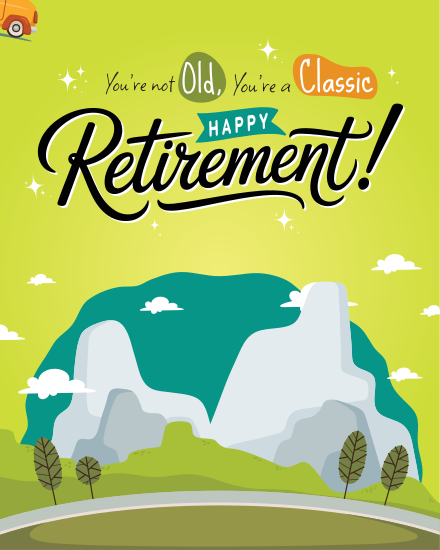

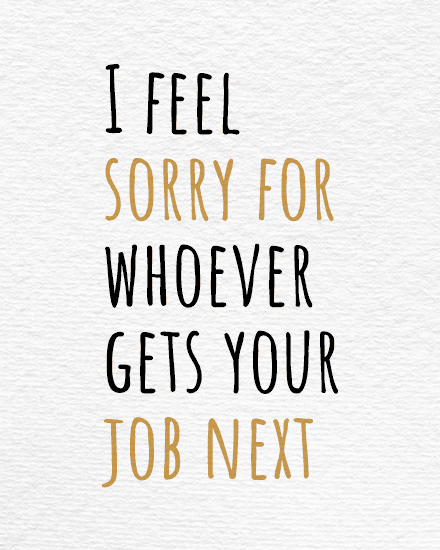





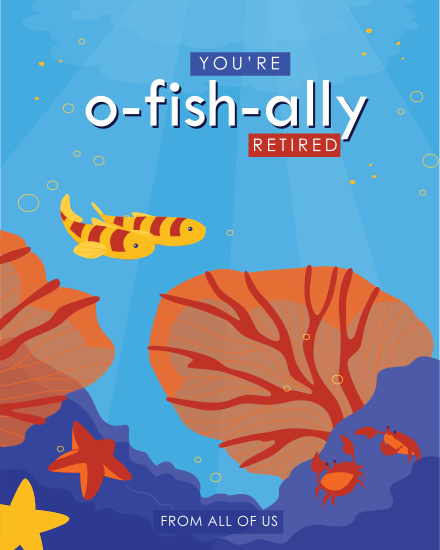




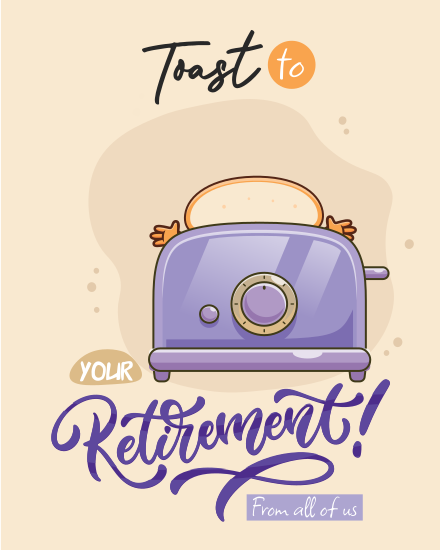
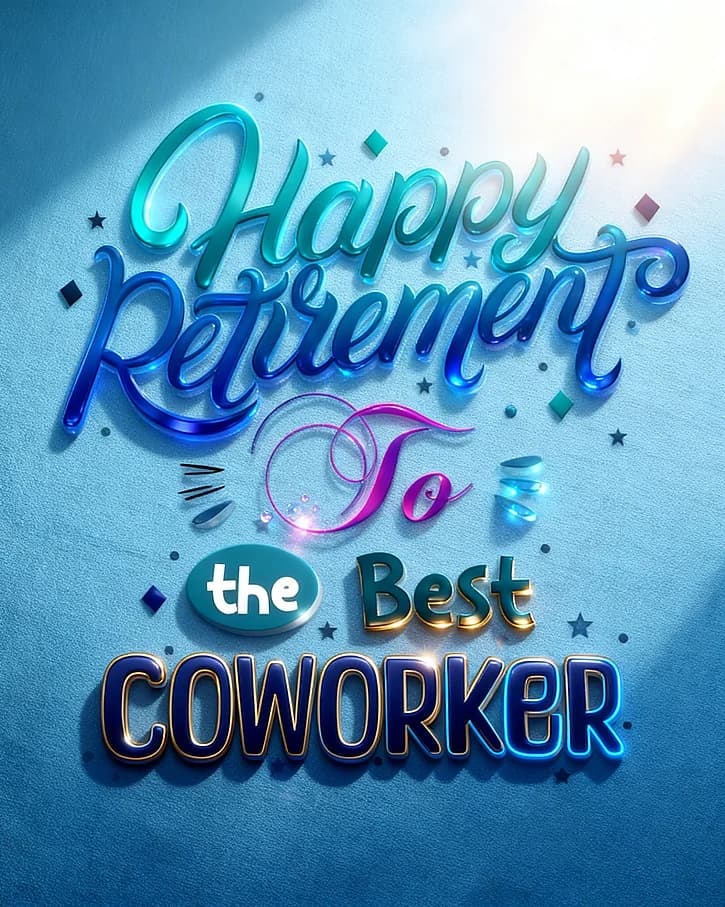

“ Staff retirement parties are usually done in person, but because we celebrated virtually due to covid, we did have a way to pass around a retirement ecard for everyone to sign. This was a convenient and user-friendly service! . @ Sadaf A.”
“ I have created several going away and retirements cards on sendwishonline.com and they have been received wonderfully!! We are a large office/division and it's a great way to have everyone sign a personal message to our staff. I would highly recommend using!!. @ Thais K.”
“ This is a great tool for gathering signatures from coworkers for card-worthy events like birthdays, anniversaries, and retirements. We use it constantly at my company!. @ Karla Gierstorf.”
For those new to creating a group retirement card, the concept of virtual signing and remote collaboration might seem daunting. That's why we've taken the time to craft a demo of the online retirement card. Give our demo card a try.
Demo retirement cardRetirement marks the end of years, sometimes decades, of shared projects, early meetings and office jokes. A retirement card from the whole team gives the retiree something to keep from all of it: one card with every coworker's message in one place, instead of a few lines in a farewell email.
With SendWishOnline, a group retirement card is free to create and send. You pick a design, share one link, and everyone signs from their own phone or laptop, with no account needed. Each person can add a message, photo, GIF, audio or short video. The finished virtual retirement card opens as a wishboard slideshow, and the retiree can download it as a PDF or video to keep long after their last day.
Setting up a retirement card takes a few minutes, and the team can sign whenever they have a moment before the send-off. Here is how it works:
Not sure what the retiree will see? Open the demo card above to see a finished retirement card before you start.
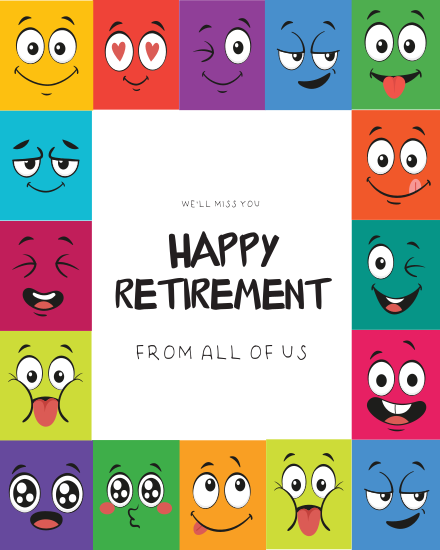
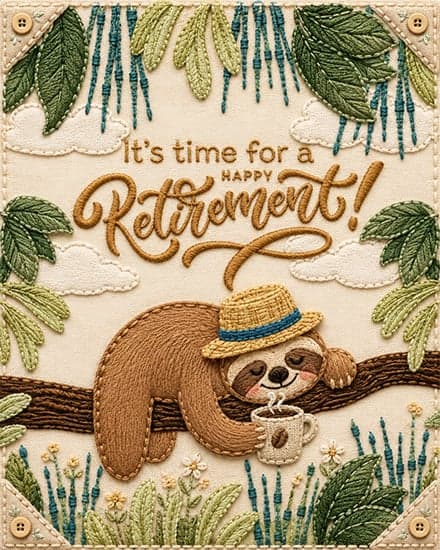
Every retirement is different, and the card should fit the person and the team signing it. These are the retirement cards offices send most often:
Want a lighter tone? Browse our funny retirement cards, or pick one of the animated retirement cards for a card that moves.
A paper card passed around the office misses everyone who works from home, travels or sits in another branch. A virtual retirement card fixes that: one link reaches every teammate, wherever they are, and nobody has to post or collect anything. The retiree receives the card by email and can replay it on any device, which matters when the farewell party itself happens over video.
The best retirement messages are short, warm and specific. Thank them for something they did, mention a memory the team shares, and wish them well for what comes next. Here are a few examples you can adapt:
Need more ideas? Browse 120 retirement messages for coworkers or our list of retirement wishes, quotes and messages. You can also use the AI message generator inside the card to write a first draft.
A little planning means every colleague gets a chance to sign before the big day. These tips help the card come together without last-minute chasing:
HR teams often handle several retirements a year, and every retiree deserves a card that feels personal. With batch cards, HR and office managers can create retirement cards for several employees at once, share a signing link with each team, and schedule every card for the right day. Add your company logo and name to the final page, so the card comes from the whole organization.
A retirement card should be easy to organize and worth keeping. These are the features teams use most:
Saying goodbye to a colleague who is moving on rather than retiring? Send a farewell card instead.
Yes. You can create, sign and send a group retirement card for free with light ads, and a premium ad-free version is available anytime.
You pick a design and share one link. Each coworker adds a message, photo or GIF, and the retiree receives one card with every message together.
No. Anyone with the link can sign from a phone or laptop, and there is no limit on the number of signers.
Yes. The card is delivered by email, so remote and hybrid teammates can sign and receive it from anywhere.
Yes. Every signer can add a photo, GIF, audio or short video next to their message.
Yes. Choose the delivery date and time, and the card arrives on their last day or during the farewell party.
Yes. Download the finished card as a PDF to print and hand over at the retirement party.
Yes. With batch cards, HR teams can create retirement cards for several employees in one go and schedule each one.
Create one virtual retirement card the whole team signs, free to make and send in minutes.