 Regular Cards
 Animated Cards

Select Upload your own

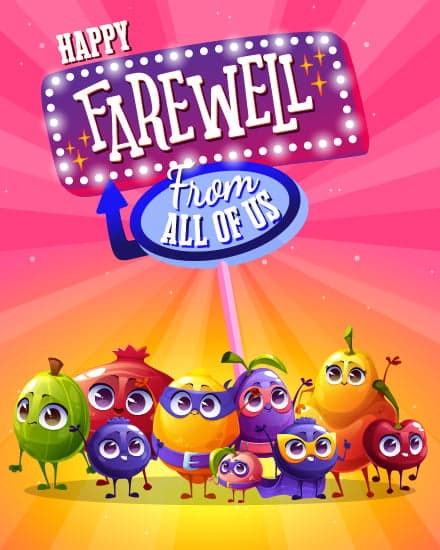
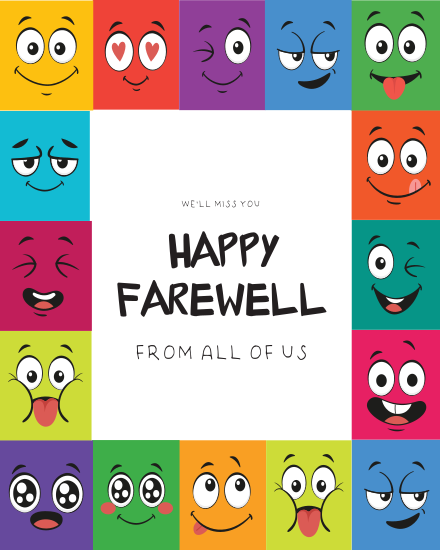
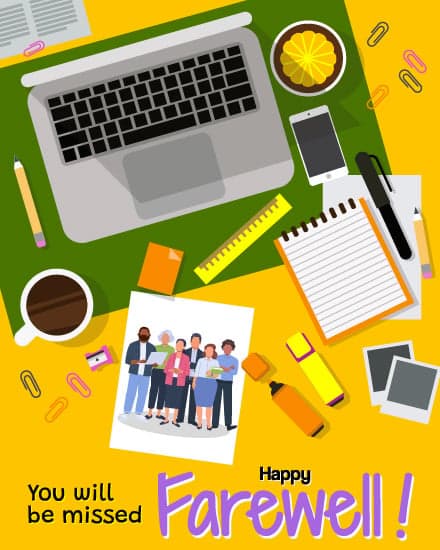
Create one virtual farewell card for your coworker that the whole team signs, free to make and send.











“ This service is very easy to use and such a great option when it's not possible to have everyone sign in person. We use it all the time in our office and it works well for the remote employees.. @ Linda Welch.”
“ It was easy to set up and easy to get others involved, a very simple start-up process, and you could automate the delivery, which was another feature I liked. We used your farewell cards as a start and loved them.. @ Jamie R.”
“ I have been using sendwishonline for several years. It's a great way to encourage staff, co-workers and friends - whether they are celebrating a birthday, retiring or leaving the company. Lot's of features and easy to setup.. @ Daniel.”
“ Amazing way to send cards. We have offices all over the UK and anytime anyone is leaving, has a birthday or work anniversary we always use sendwishonline.com. The GIFs are a lovely additional with your message.. @ Davina.”
For those new to creating a group farewell (goodbye) card, the concept of virtual signing and remote collaboration might seem daunting. That's why we've taken the time to craft a demo of the online farewell (goodbye) card. Give our demo card a try.
Demo farewell (goodbye) cardWhen a colleague moves on, the team usually wants to say more than "good luck" in a group chat. A farewell card brings every message together in one place: thank-yous, shared memories, inside jokes and best wishes, all signed by the people they worked with every day.
With SendWishOnline, farewell cards are free to create and send. Pick a design, share one link, and everyone signs from their own phone or laptop, with no account needed. Each person can add a message, photo, GIF, audio or short video. The finished card opens as a wishboard slideshow, and your colleague can download it as a PDF or video to keep long after their last day.
Setting up a farewell card takes a few minutes, and the team can sign whenever they have a moment before the send-off. Here is how it works:
A paper card only reaches whoever is in the office that week. A virtual farewell card reaches the whole team, including people working from home, on another floor or in another country. Everyone signs the same link, nobody has to pass a card around, and the finished card arrives by email exactly when you want it. Even if the decision to leave was sudden, you can set up a card and collect messages in a single afternoon.
Every farewell at work is a little different, and the card should match the moment. These are the farewell cards teams send most:
Is your coworker retiring? Choose our retirement cards instead. Saying farewell the British way? Our leaving cards are made for that.
A goodbye card and a farewell card do the same job: one card that says thank you and good luck from the whole team. Whatever your office calls it, a virtual goodbye card works the same way here. Pick any design above, share one link, and every colleague adds a goodbye message, photo or GIF before their last day. The finished goodbye card arrives by email and can be downloaded as a PDF to keep, so your coworker has every message in one place.
Not sure what to write? Pick a tone below and personalize it with their name and a specific memory:
Want more options? See our full list of farewell messages for coworkers, or use the AI message generator inside the card for a first draft.
A typed message is a good start, but small extras make a farewell card something your coworker keeps. Here are a few ideas teams use:
When people leave often, HR and office managers need a quick, consistent way to send every farewell card. With batch cards, you can create farewell cards for several employees at once, share a signing link with each team and schedule every card for the right day. Add your company logo to the final page so each card comes from the whole organization.
A farewell card should be quick to organize and worth keeping. These are the features teams use most:
